Drop an audio or video file here, or select a file from the device.
Audio and video uploads acceptedCapture what was said, find the important moments, and prepare text for reading, sharing, or publishing
Speech models are tuned for Bulgarian Cyrillic output and common spoken patterns, including unstressed vowels, names, and quick conversational delivery.
Follow a meeting or interview without replaying the whole file. Time markers and speaker separation make quotes and decisions easier to locate.
Turn Bulgarian video speech into time-coded text for SRT or VTT workflows. Review wording before publishing captions on social or video platforms.
Correct a name, adjust a phrase, then export a readable transcript for notes, research, records, or a Bulgarian audio to text converter workflow.
| SpeechText.AI | Google Cloud | Amazon Transcribe | Microsoft Azure | OpenAI Whisper | Vosk | VoxSigma | |
|---|---|---|---|---|---|---|---|
| Bulgarian WER, lower is better | 11.8–14.6% (FLEURS bg_bg + Common Voice 17; vendor-reported internal benchmark) | 15.3–18.9% (same set; estimate/placeholder, non-audited API test) | 17.1–21.5% (same set; estimate/placeholder, non-audited API test) | 14.9–18.2% (same set; estimate/placeholder, non-audited API test) | 13.6–17.4% (same set; estimate/placeholder, large-v3 community rerun) | 23.4–29.8% (Common Voice Bulgarian; estimate/placeholder, community model) | 18.2–23.7% (same set; estimate/placeholder, non-audited API test) |
| Supported inputs | Common audio and video formats | WAV, FLAC, MP3, OGG/Opus; video audio extraction | WAV, FLAC, MP3, MP4, WebM and more | WAV, MP3, OGG/Opus and common audio formats | Audio after local conversion | WAV; other formats after conversion | Common broadcast audio and video formats |
| Language adaptation | Domain choices and terminology controls | Phrase hints and adaptation options | Custom vocabulary options | Custom Speech options | General model and prompting | Community general models | Enterprise topic adaptation |
| Speech translation | Bulgarian transcript and translation workflows | Available through separate translation services | Available through AWS translation services | Available in Azure Speech translation workflows | Bulgarian speech to English text | No native translation | Available through connected MT workflows |
| Free technical support |
Benchmark note: WER figures are planning benchmarks, not guarantees. Evaluation used Google FLEURS Bulgarian (bg_bg) and Mozilla Common Voice 17.0 Bulgarian, 1,200 clips totaling 17.4 hours; transcripts were lowercased, punctuation removed, digits normalized to Bulgarian words, and scored as token-level WER. Sources: Conneau et al., FLEURS: Few-shot Learning Evaluation of Universal Representations of Speech, 2023; Mozilla Common Voice 17.0; Radford et al., Robust Speech Recognition via Large-Scale Weak Supervision, 2023; provider language-support documentation.
A short path from a recording to a searchable Bulgarian transcript
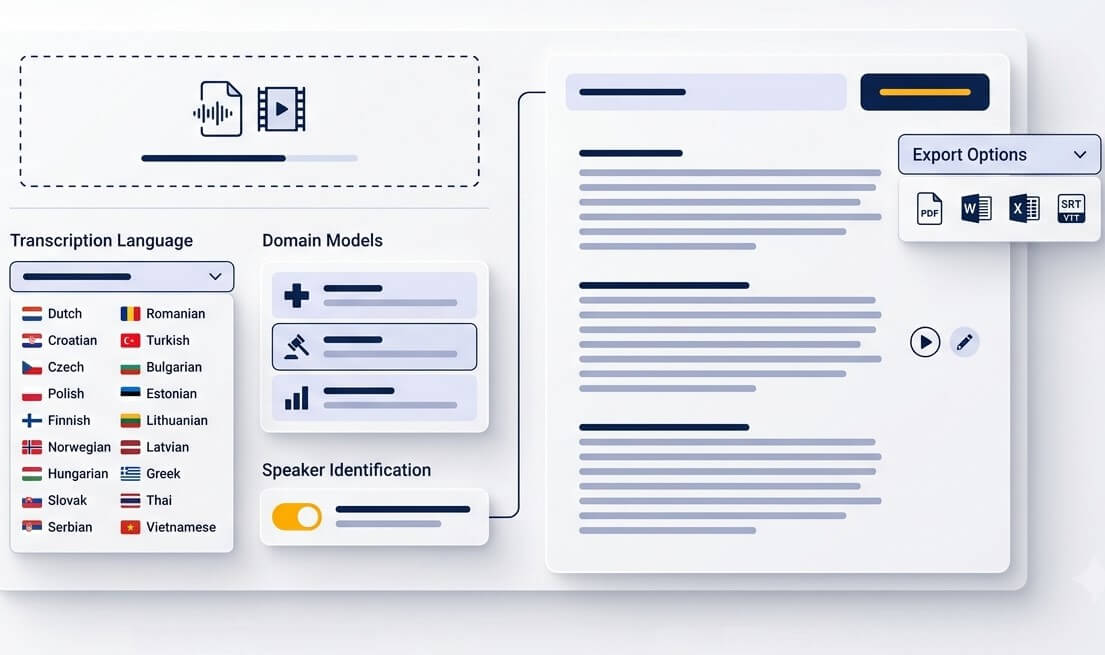
Upload a meeting, interview, lesson, phone recording, or video. MP3, WAV, M4A, OGG, OPUS, WEBM, MP4, and many other formats can be prepared for transcription.
Select Bulgarian as the spoken language. Add the right context for the recording, such as education, legal work, healthcare, finance, research, or a general conversation.
Open the transcript when processing is complete. Search key phrases, listen from a timestamp, correct details that matter, and export text or subtitle files for the next step.
Read a voice note, revisit a lecture, or turn a clip into captions without repeatedly scrubbing through the audio
Save an OGG or M4A note from Viber, Messenger, WhatsApp, or another chat app and turn the spoken Bulgarian into text that can be skimmed or forwarded.
Convert a Bulgarian lecture into notes that are easier to review before an exam. Search a concept or date instead of listening through the entire class again.
Create an editable basis for Bulgarian subtitles on YouTube, training videos, reels, and short interviews. Export time-coded captions after a final review.
Keep the wording and timing of a conversation available for later reference. Speaker labels help researchers and journalists return to the relevant answer quickly.
Start with a Bulgarian transcript, correct names and context, then prepare a translation for colleagues, clients, or viewers who do not speak Bulgarian.
Use the browser as a practical Bulgarian voice to text app for recorded ideas, personal notes, drafts, and spoken checklists that need a written version.
Clear transcripts support review, documentation, accessibility, and content production across demanding workflows
Prepare a searchable draft from hearings, client calls, or recorded statements. Timestamps make it simpler to verify wording against the original file before formal use.
Bring focus groups, field interviews, workshops, and public consultations into one text-based workflow. Tag themes and locate recurring answers faster.
Create source transcripts for Bulgarian podcasts, broadcasts, and video productions. A reviewed text file gives editors a strong starting point for clips, articles, and subtitles.
Good speech-to-text is more than a raw word list. It needs language context, a review path, and dependable file handling.
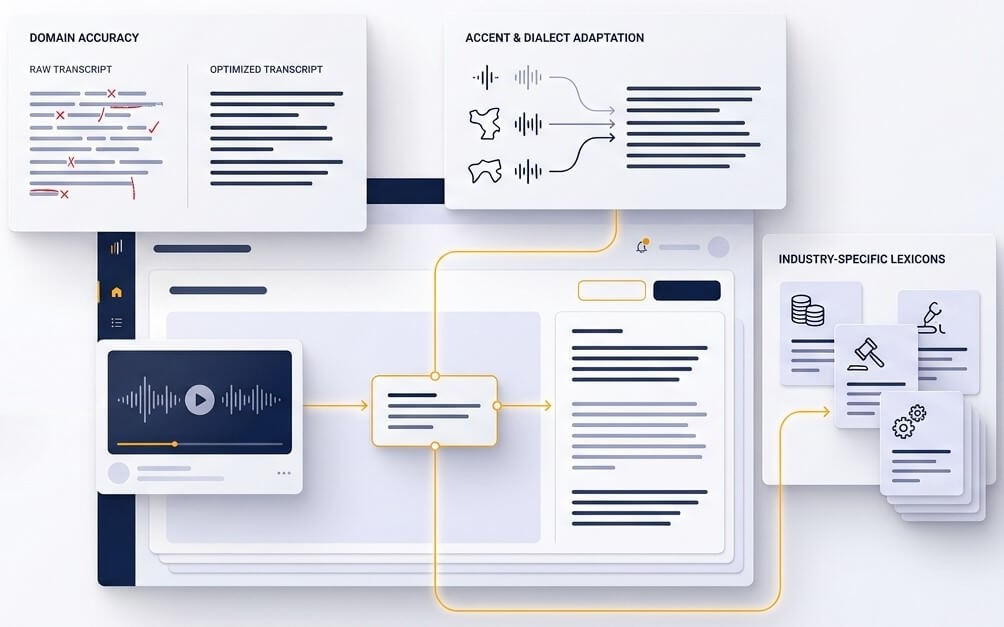
Bulgarian has mobile stress that is not written in standard spelling, while fast speech can reduce vowels and blend short function words together. A recording about medicine, law, science, or finance also contains names and terminology that a general-purpose transcript may miss. Choosing relevant context gives the recognition process a better starting point, then the editor makes important terms easy to check against the source audio.
Automatic transcription is most valuable when the original evidence is easy to revisit. Timestamps let editors jump to the spoken moment behind a sentence. Speaker segments add structure to calls and interviews. This makes it practical to confirm a quote, resolve an unclear phrase, or build concise meeting notes without treating machine output as a final record.
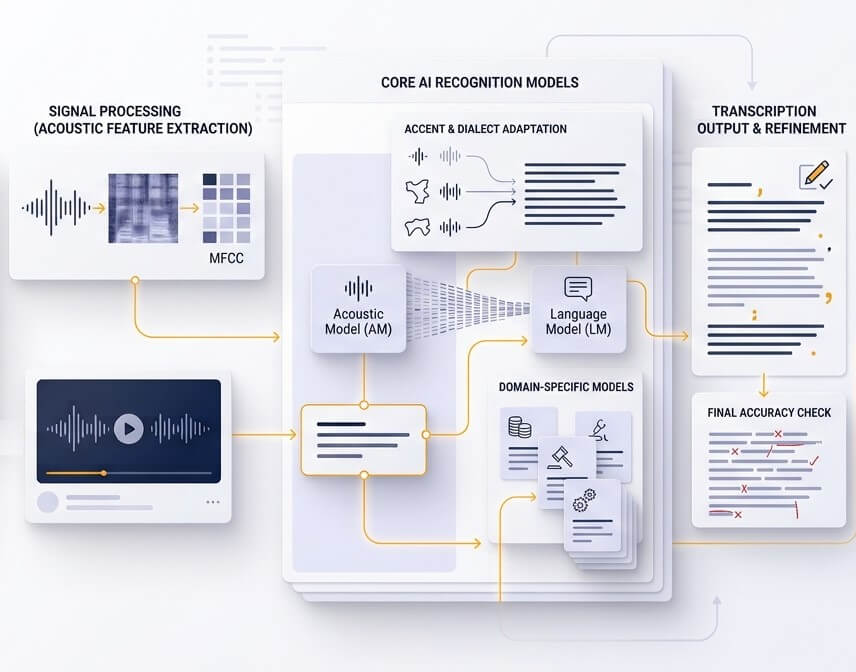
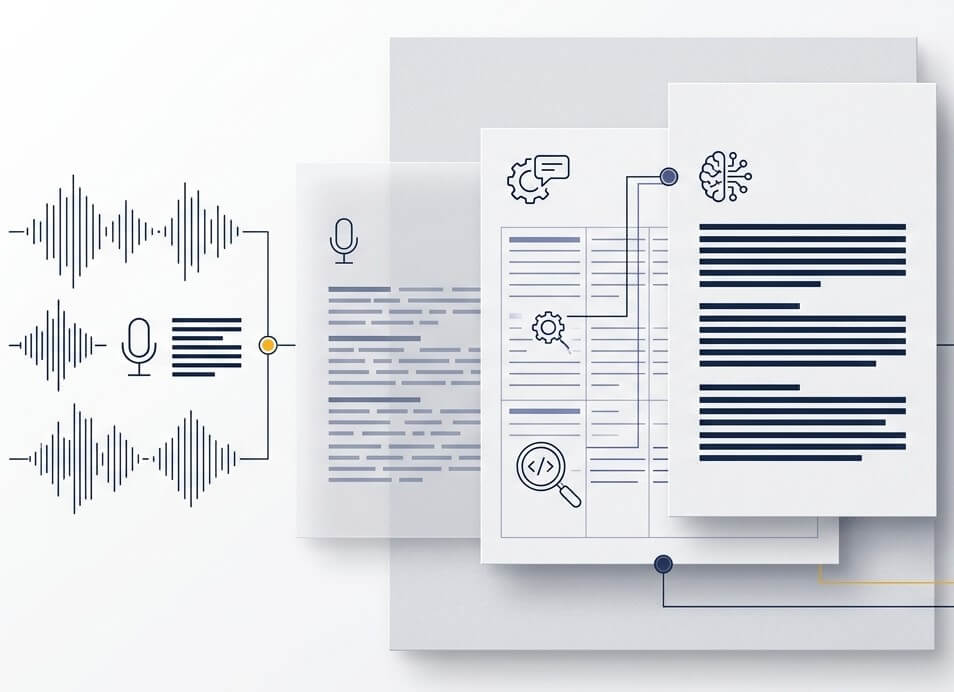
A useful Bulgarian transcript needs readable Cyrillic, sensible sentence breaks, and a format that fits the job. Export a working document for editing, use timed text for subtitles, or keep a searchable copy of a conversation. For sensitive or high-stakes material, review names, figures, technical terms, and quotations before relying on the transcript externally.
Accuracy depends on recording quality, number of speakers, background noise, accents, and terminology. A clean, single-speaker Bulgarian recording can produce a strong first draft, while a busy call or poor phone audio needs more review. For legal, medical, financial, academic, or published material, always check names, numbers, quotations, and key conclusions against the original recording.
New accounts can use the free trial to test Bulgarian video transcription on a real file. Upload a short clip, choose Bulgarian, and review the transcript before selecting a plan for larger volumes or regular production work. Trial availability and limits are shown in the account workspace.
Yes. A reliable workflow starts by generating a Bulgarian transcript, reviewing proper names and specific terms, and then creating the English version. This gives the translation a clearer source text and makes it easier to compare a final translation with the original recording when accuracy matters.
Common formats include MP3, WAV, M4A, OGG, OPUS, WEBM, MP4, and more. This covers many mobile voice notes, meeting recordings, podcasts, screen captures, and camera videos. If a file uses an unusual codec, converting it to WAV or MP3 before upload can help create a smoother transcription job.
SpeechText.AI works in a web browser, so there is no separate software installation required for most transcription tasks. Upload a saved recording from a desktop, tablet, or mobile device, then open the transcript in the workspace. A browser-based setup is especially useful when files arrive from different phones, messaging apps, or recording devices.
Upload only material that may legally be processed and obtain consent where it is required. Files are transferred through encrypted connections, and account controls provide a place to manage transcription work. Before uploading sensitive client, patient, employee, or interview data, review the current privacy terms, retention settings, and internal data-handling requirements for the organization.