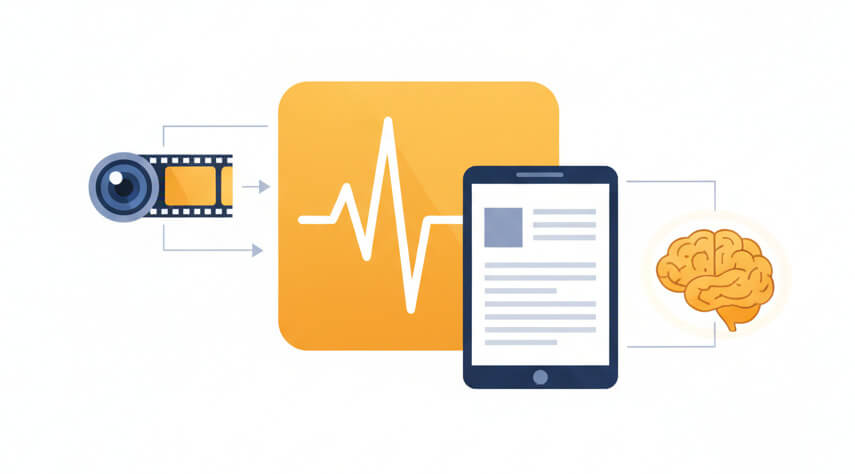
Turn camcorder video into text with speaker labels and time-codes

Recognizes speech in over 50 languages directly from HD video containers without manual audio extraction

Files processed on EU-based infrastructure with end-to-end encryption and automatic deletion options

Automatically detects and labels different speakers in interview footage, panel discussions, and documentary clips
Generates accurate timestamps for subtitles, video editing scripts, and post-production reference documents
Three steps to extract transcripts from camcorder video files
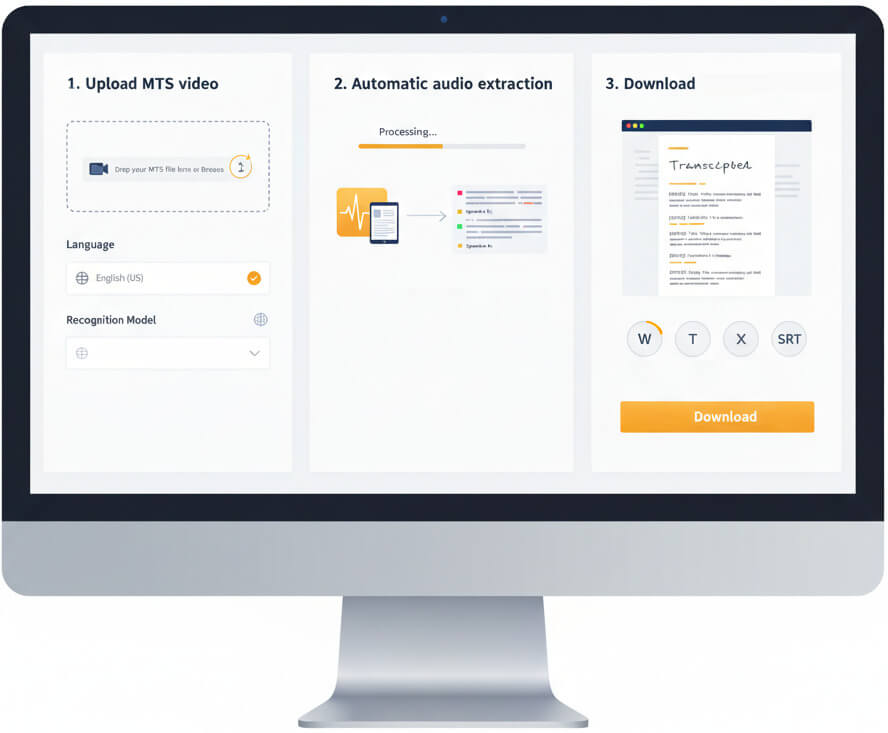
Drop the MTS file from a camcorder or video recorder into the platform. Select the spoken language and choose a specialized recognition model if the content falls into a technical domain such as legal proceedings or medical consultations.
The system isolates the audio track from the AVCHD video container and applies neural-network recognition. Speaker diarization runs in parallel to tag individual voices, while punctuation and formatting happen in real time.
Review the completed text in the built-in editor, make any corrections, then download as a Word document, plain text file, Excel spreadsheet, or SRT/VTT subtitle track ready for post-production software.
MTS is a high definition video container created by Sony and Panasonic camcorders using the AVCHD standard
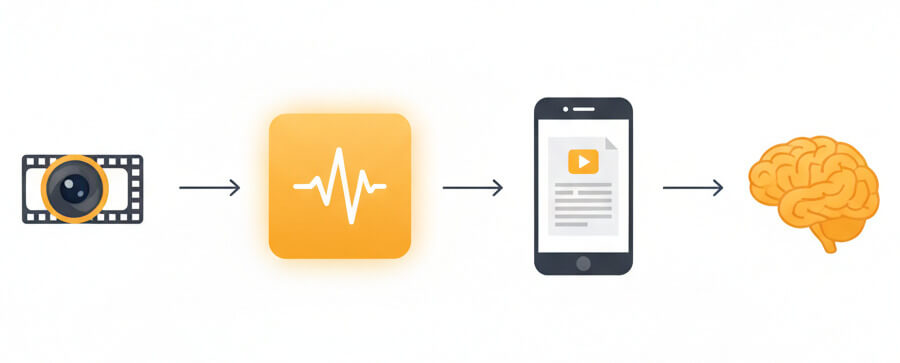
MTS files store high definition video recorded on AVCHD camcorders and some professional video equipment. The format wraps H.264 video and Dolby Digital audio into a single container, preserving broadcast-quality footage straight from the camera's memory card or internal storage.
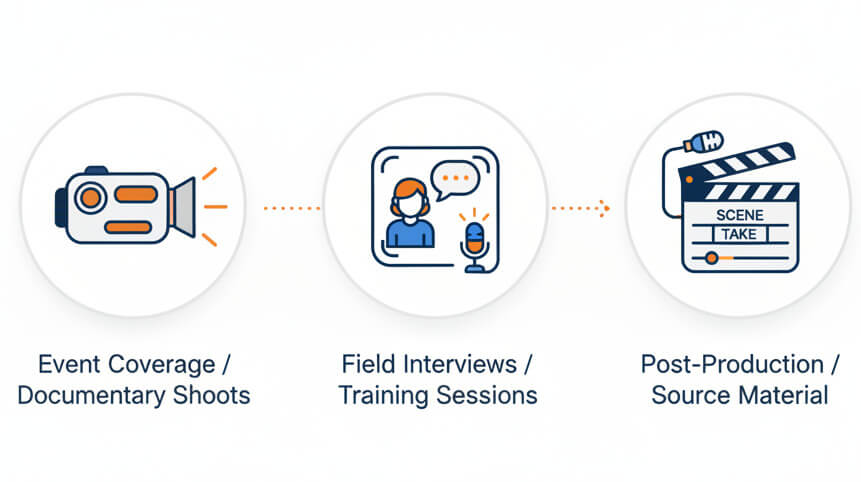
MTS files come directly from camcorders during event coverage, documentary shoots, corporate training sessions, and field interviews. Because the format originates in hardware recorders rather than editing software, it often serves as the primary source material before post-production begins.
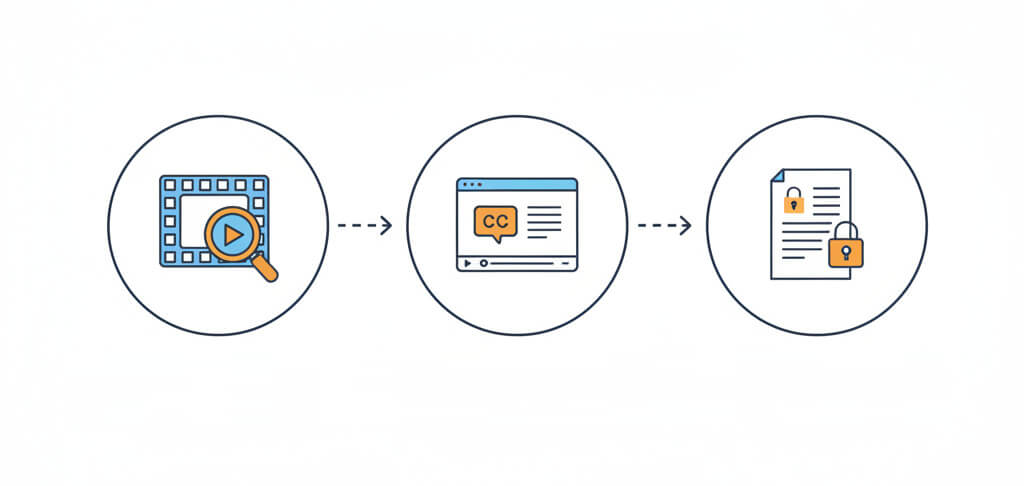
A written transcript lets editors locate key sound bites without scrubbing through hours of raw footage. It accelerates subtitle creation, improves video SEO through closed captions, and provides a permanent written record of interviews, testimonies, or presentations captured on camera.
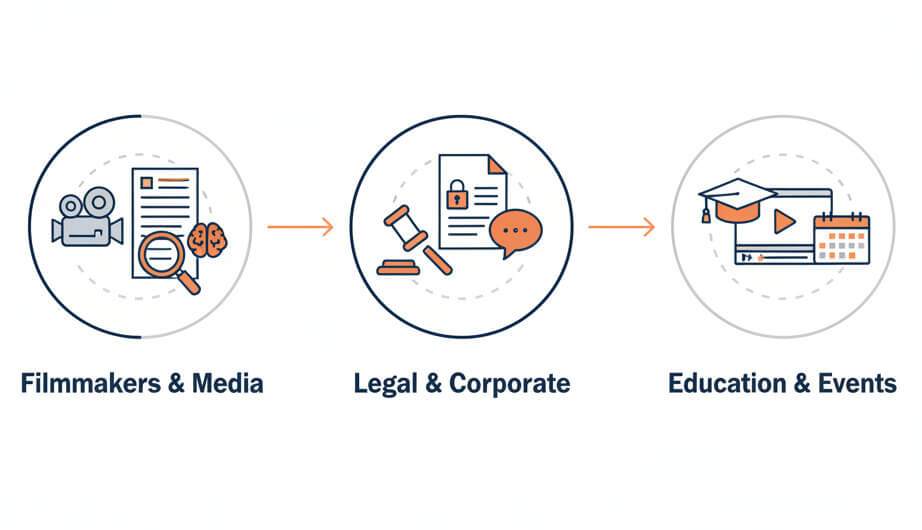
Video producers, legal teams, and broadcasters rely on MTS to text transcription services for faster editing and compliance
Upload the MTS video file to the platform, select the language, then start the transcription. The system extracts the audio automatically and returns a text document ready for download or further editing.
A free trial account allows testing the full transcription engine on MTS files without upfront payment. The trial includes speaker labels, timestamps, and export options so the quality and feature set can be evaluated on real camcorder footage.
Yes. Each line of the transcript can include a timestamp linked to the original video position. These timecodes appear in subtitle formats like SRT and VTT, and can also be included in Word or text exports for editorial reference.
Clear speech captured with an external or on-camera microphone yields better results than built-in mics in noisy environments. Minimize echo, wind, and overlapping conversation to improve recognition accuracy.
All uploads remain encrypted in transit and at rest on servers located in the European Union. Files are never shared with third parties, and accounts include settings to delete video and transcript data after a chosen retention period.