Drop a recording here or browse files from a computer or phone.
Common audio and video formats supportedBuilt around the details that turn a rough draft into text that can be read, checked and reused
Drafts retain Latvian letters such as ā, č, ē, ģ, ī, ķ, ļ, ņ, š, ū and ž, making names, places and search terms easier to review.
Follow a conversation without replaying the whole file. Time markers and speaker separation help locate a quote, question or decision quickly.
Create timestamped subtitle files after checking the wording. SRT output helps Latvian video remain accessible when watched without sound.
Search alongside the recording, correct a passage, then export a clean version. This Latvian voice to text tool keeps review practical before sharing.
| SpeechText.AI | Google Cloud | Amazon Transcribe | Microsoft Azure | OpenAI Whisper | Tilde | Vosk | |
|---|---|---|---|---|---|---|---|
| Indicative Latvian WER | 8-10% WER (Common Voice Latvian v17 pilot, vendor-reported) | 11-14% WER (FLEURS lv_latn protocol, estimate/placeholder; no public matched WER) | 14-18% WER (FLEURS lv_latn protocol, estimate/placeholder; no public matched WER) | 12-16% WER (FLEURS lv_latn protocol, estimate/placeholder; no public matched WER) | 11-15% WER (Common Voice Latvian protocol, estimate/placeholder; Whisper research basis) | 13-17% WER (Common Voice Latvian protocol, estimate/placeholder; no public matched WER) | 18-24% WER (Common Voice Latvian protocol, estimate/placeholder; open-model baseline) |
| Supported formats | MP3, WAV, M4A, MP4, WebM and more | WAV, FLAC, MP3, OGG/Opus; video via audio extraction | FLAC, M4A, MP3, MP4, OGG, WebM, WAV | WAV, MP3, OGG/Opus and SDK-dependent formats | Formats supported by the implementation decoder | WAV and MP3, subject to product/API setup | PCM WAV by default; convert other files first |
| Domain Models | Yes, selectable domain models and context options | Specialty models vary; no published Latvian domain model | Vocabulary and customisation vary by language | Custom Speech availability varies by Latvian locale | No fixed domain models | Enterprise customisation, confirm with vendor | General model; custom training is technical |
| Speech Translation | Latvian transcript with English output options | Via Cloud Translation workflow | Via Amazon Translate workflow | Via Microsoft Translator workflow | English translation task available in supported builds | Available through related translation services | No native speech translation |
| Free Technical Support | Email support | Documentation and community; paid support plans | Documentation and community; paid support plans | Documentation and community; paid support plans | Community support | Product or contract dependent | Community support |
A clear three-step path from recording to an editable Latvian transcript
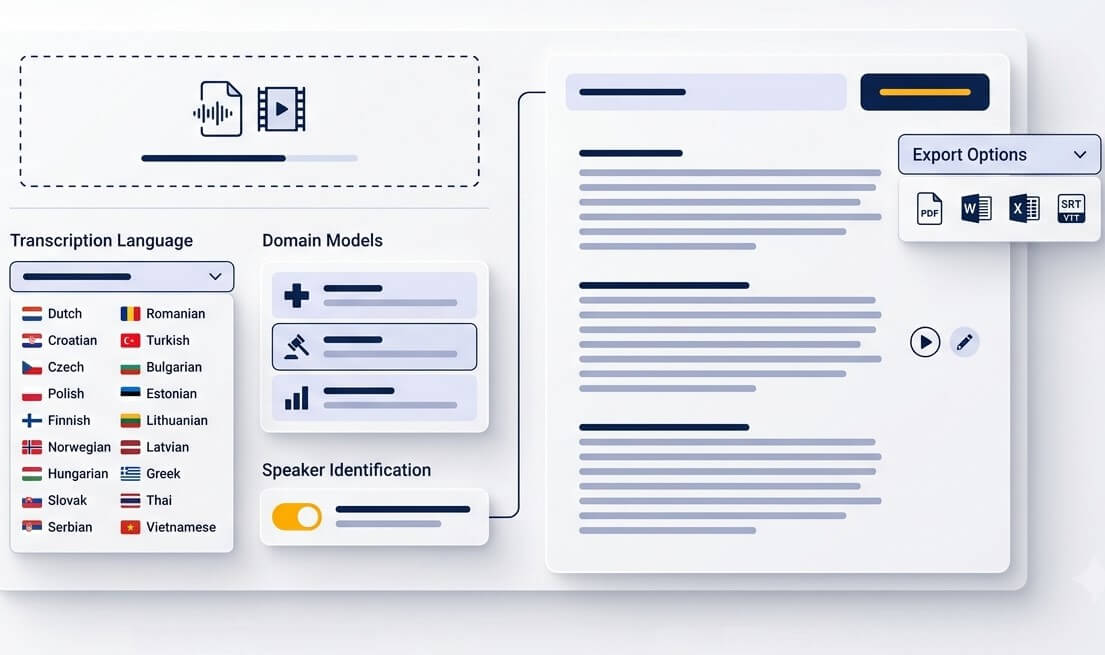
Upload an MP3, WAV, M4A, OGG, OPUS, WebM, MP4 or another common media file. A short sample with the same speakers and recording conditions is a useful first accuracy check.
Select Latvian as the spoken language, then add relevant settings for timestamps, speakers or the subject area. This turns the Latvian audio to text converter into a more focused starting point for the recording.
Open the transcript, replay uncertain passages and correct names or specialist terms. Export readable text for notes or an SRT file for captions when the final wording is ready.
A transcript makes spoken information easier to find, quote, share and revisit
Turn discussions, public comments and decisions into a searchable working record. Time markers make it simpler to revisit a specific statement.
Move from interview audio to coded notes faster. A transcript lets researchers find recurring phrases, verify quotes and compare responses with care.
Preserve stories told by parents, grandparents and community members as readable text. Review spellings of names and places before archiving.
Give staff a text version of internal demonstrations and workshops. Searchable notes make it easier to return to a process without replaying a full session.
Prepare captions for courses, cultural projects and product videos. Review the transcript first, then export timed subtitle text for the final edit.
Capture what customers actually said during a demo or feedback call. Upload recordings only when all participants have given appropriate consent.
Clear source material helps teams make decisions without losing the context of the original recording
Build a working text record from committee discussions, stakeholder sessions and public consultations. Keep the audio available for checks against the transcript.
Find patterns in Latvian participant interviews without relying on memory. Speaker labels and time references support a more reliable analysis process.
Offer notes and captions to people who prefer reading, need support with hearing access, or want to review material at a comfortable pace.
A useful transcript must respect spelling, context and the reality of everyday recorded speech
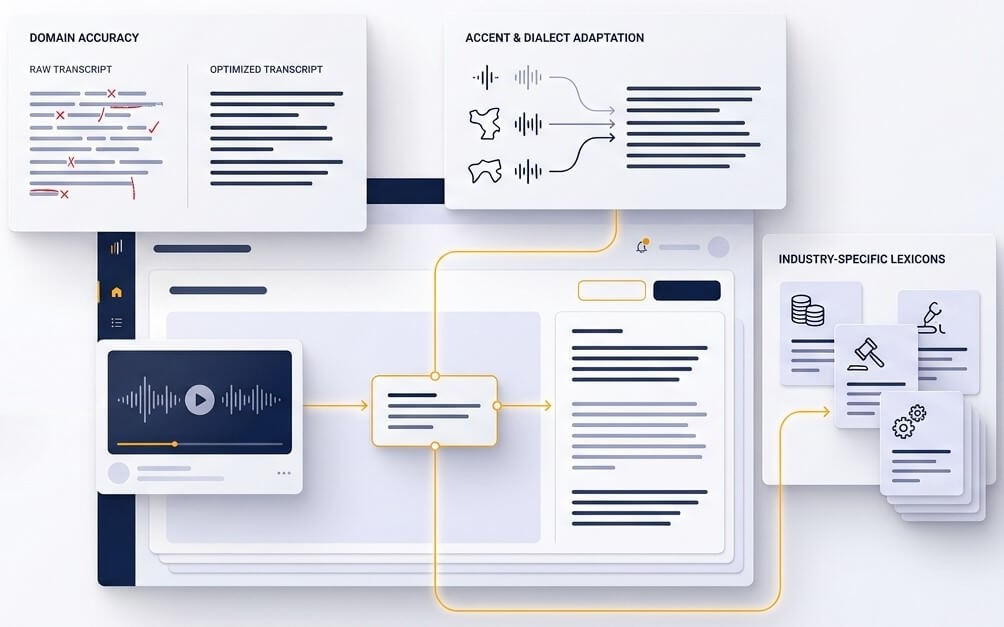
Latvian diacritics are part of the word, not optional decoration. For example, ka and kā have different roles and meanings. Letters such as ģ, ķ, ļ and ņ also affect pronunciation and searchability. A readable transcript should preserve these characters, while leaving an easy way to correct a name, local place or uncommon term against the audio.
Latvian uses inflection to express case, number and gender, so a word ending often depends on the surrounding sentence. A context-aware draft is more useful than isolated sound matching, especially in discussions with dates, names, acronyms and specialist vocabulary. A short terminology list can make later review faster for recurring people, brands and project terms.
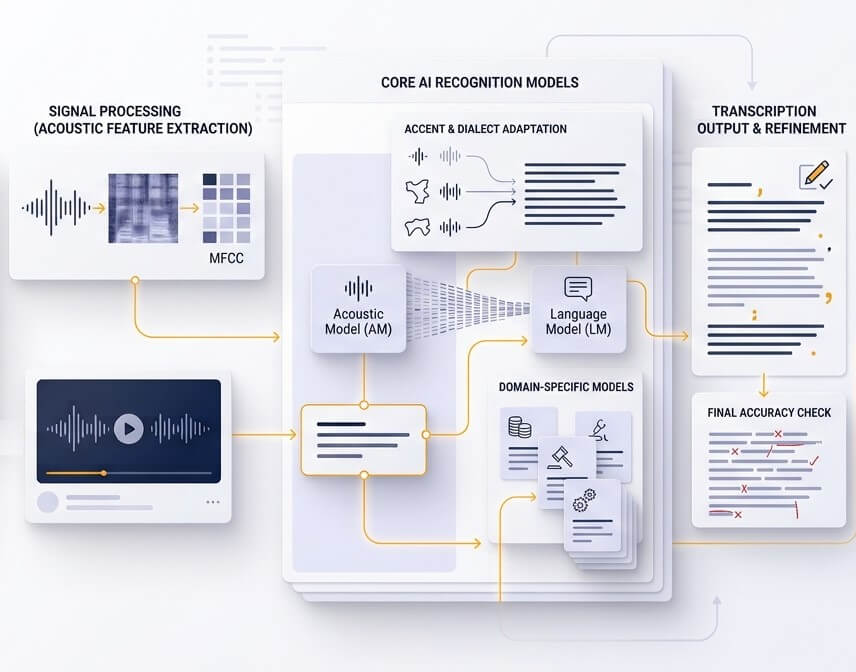
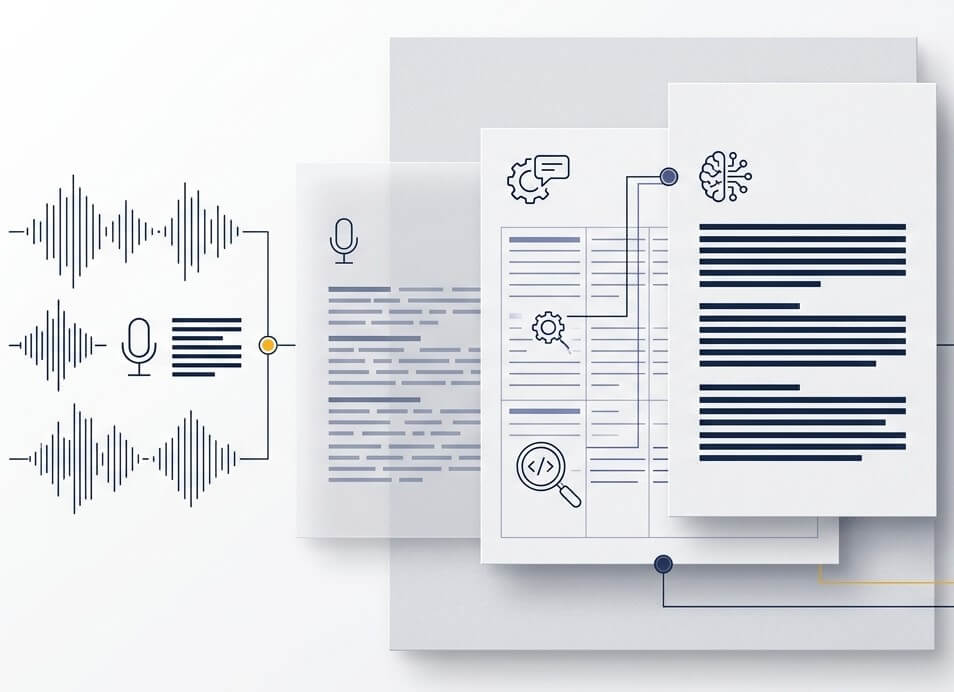
Meetings and interviews rarely sound like studio narration. Room echo, overlapping speakers, regional speech, Latgalian phrases, English or Russian code-switching and background noise can all affect recognition. Timestamps and an editor make uncertain passages easier to find. For legal, medical or high-stakes records, a qualified human review remains essential.
Accuracy depends on the microphone, background noise, speaker overlap, accents and vocabulary. Clean single-speaker audio usually produces a strong first draft. Names, specialist terms, music, fast speech and code-switching deserve a review against the recording. The comparison table shows indicative WER ranges, not a guarantee for every file. An automatic transcript should not be used as a certified legal record without human checking.
A free trial is available for new accounts. Upload a short representative recording, choose Latvian, and inspect the result before selecting a paid workflow. Testing a file with the same speakers, audio quality and terminology as a typical project gives the most useful indication of expected output.
Yes. Start with Latvian as the spoken language and select English as the output language when translation is needed. Review personal names, company names, place names and technical terms before publishing. Translation is most useful after the Latvian source text has been checked for meaning.
Upload the video or its audio track, set the spoken language to Latvian, and generate the transcript with timestamps. Review timing and wording in the editor, then export the finished captions as an SRT file for use in a video workflow.
SpeechText.AI is designed for uploaded audio and video recordings. For a spoken note, record it on a phone or computer, save the file, then upload it for transcription. This approach also works well for longer recordings that need timestamps, speaker labels or subtitle exports.
Files are transferred through an encrypted connection. Upload only recordings that may lawfully be processed and for which appropriate consent has been obtained. Before sending sensitive material, review the applicable account retention, deletion and plan terms. Work involving professional secrecy or regulated personal data may also require a suitable data-processing agreement and human review process.