Drag & drop your MP3 file here, or click to browse.
All audio & video formats supportedEvaluating the best service to transcribe MP3 to text requires looking at processing costs, technical barriers, and format flexibility.
| Evaluation Metric | SpeechText.AI | Alternative Options |
|---|---|---|
| Cost and Accessibility | Highly affordable, no subscription required | HappyScribe and Sonix charge a premium rate of $0.15–$0.17 per minute |
| Audio Format Support | Processes any audio or video file extension | OpenAI Whisper demands small file chunks and limits processing to WAV format |
| Recognition Precision | Domain-specific models optimize terminology, boosting accuracy up to 99% | Generic corporate engines generate average speech recognition results |
| Technical Integration | Ready-to-use web interface requires zero programming knowledge | Google and Amazon require complex API integration and coding skills |
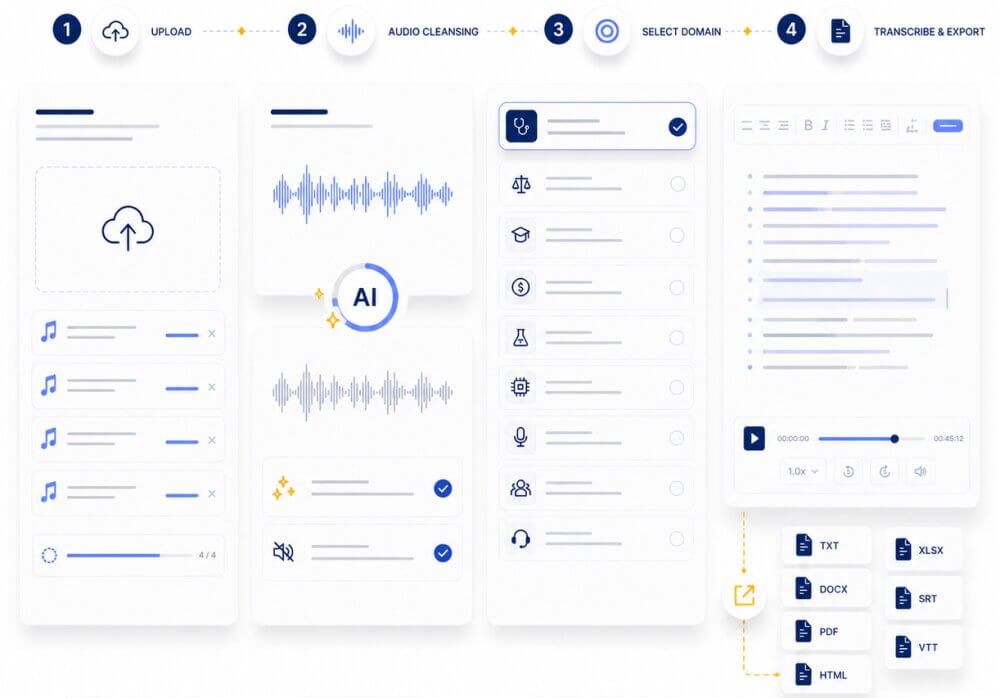
A simple workflow keeps the process fast. Upload the MP3, choose the right domain, then transcribe and export the result in the format needed for editing, sharing, or archiving.
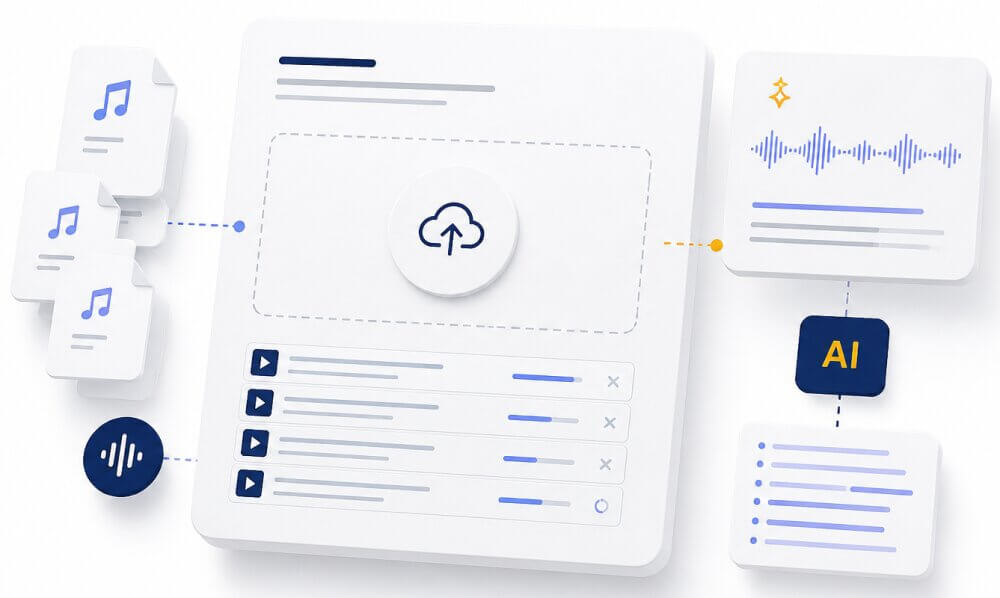
Drag and drop a single file or a batch of MP3 recordings. The uploader accepts MP3 and other audio formats, so lecture notes, interviews, meetings, and voice memos can all go in the same queue.
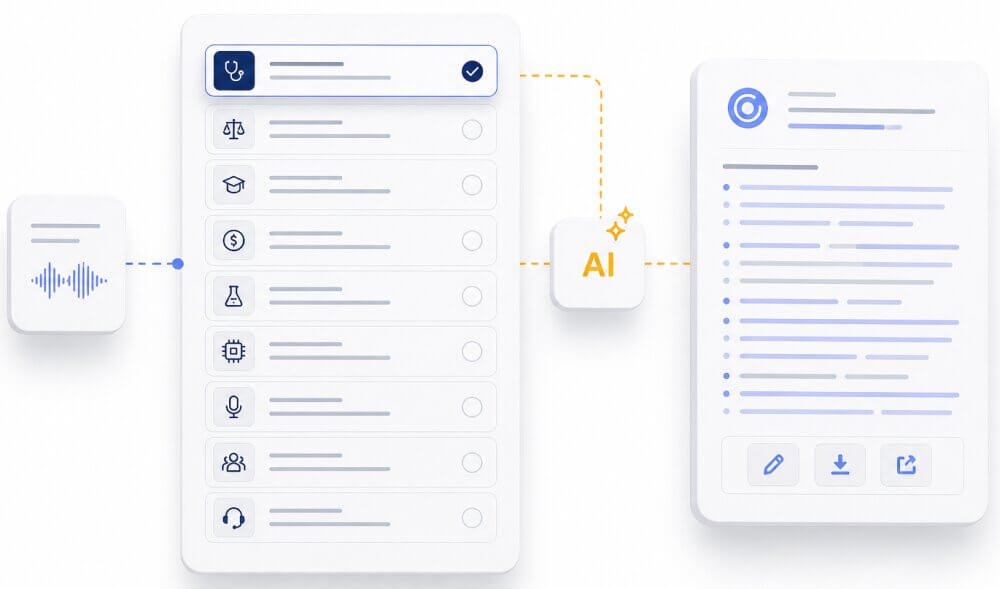
Choose the domain that matches the audio. Medicine, law, education, finance, science, technology, podcasts, conference calls, meetings, lectures, and interviews each benefit from different language patterns, which helps the AI make the transcripts read more naturally.
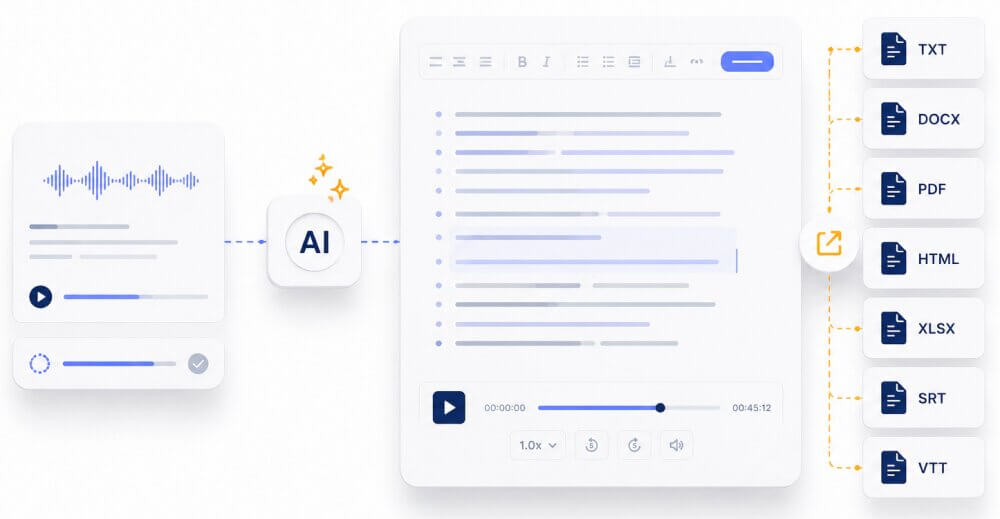
Run the file through the AI engine, review the draft in the online editor, and export the finished text as TXT, DOCX, PDF, HTML, XLSX, SRT, or VTT depending on the task.
Upload the MP3 and let the system handle the heavy lifting. Clear speech, noisy recordings, and long-form audio are all easier to work with once the file is processed in the browser.
Advanced AI algorithms automatically strip away background noise before the speech to text MP3 workflow even begins. This audio cleansing step handles recordings captured in public spaces or echoing conference rooms.
After upload, select the domain that matches the content. The AI then applies the right vocabulary, adds sensible punctuation, and creates a transcript that can be reviewed, edited, and exported without extra steps.
MP3 is compact, widely supported, and simple to share across devices. That makes it the most common starting point for a fast mp3 to text workflow.
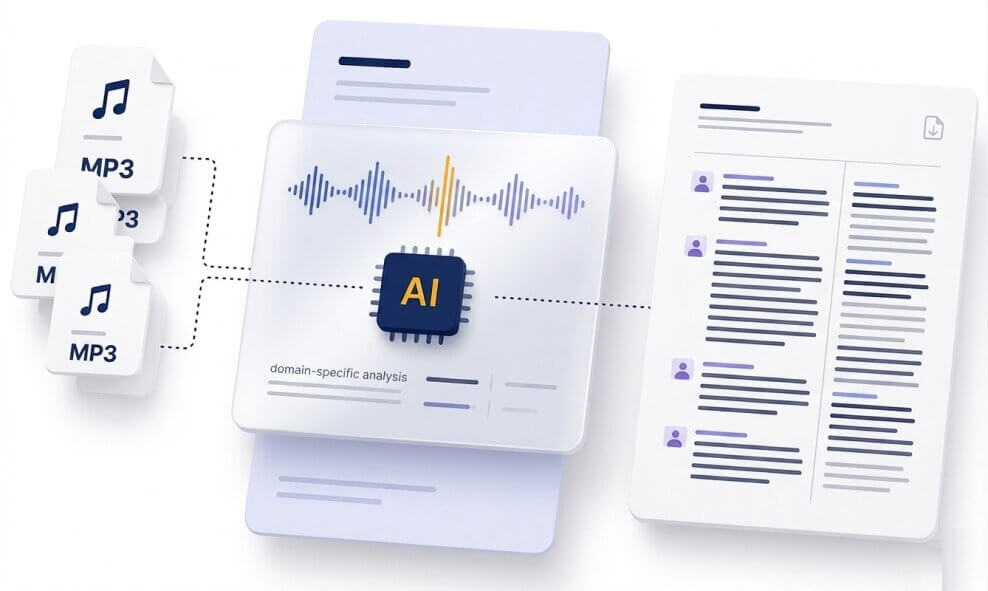
An MP3 file is a practical choice when the goal is speed. The format is easy to upload, easy to store, and easy to move between devices. That matters for anyone who records calls, lectures, interviews, webinars, podcasts, or quick voice notes.
SpeechText.AI adds another layer on top of that convenience: domain-specific transcription, speaker identification, online editing, and export tools that make the MP3 transcript ready for real work instead of a rough draft that still needs a lot of cleanup.
Use the same workflow for a quick voice note or a large folder of recordings. The value is simple: less typing, fewer delays, and cleaner text at the end.
Convert recorded meetings into searchable text so follow-up tasks, decisions, and action items are easier to track.
Turn interviews, solo episodes, and sponsor reads into publish-ready notes, show summaries, or repurposed articles with MP3 to text transcription.
Create transcripts from recorded lectures, seminars, and interviews, then use them for revision, quoting, and analysis.
Capture product feedback, discovery calls, and customer interviews without stopping to type during the conversation.
Move from recorded MP3 to text with a format that is easier to review, store, and search later.
Turn MP3 files into clean notes before the details get buried in a long chat thread or a crowded inbox.
It is the process of turning spoken words inside an MP3 file into readable text. The result can be used as notes, captions, drafts, or searchable records.
Yes. The workflow runs online in the browser, so there is no need to install a desktop app before you upload and transcribe.
Choose the domain that matches the audio. A medical lecture, podcast interview, legal dictation, and sales call all benefit from different transcription models.
It handles everyday recording conditions well, including imperfect audio from phones, laptops, meeting rooms, and field recordings. Cleaner speech always helps, but a noisy file can still produce a useful draft.
Yes. After transcription, the editor lets the transcript be reviewed and exported in common formats such as TXT, DOCX, PDF, HTML, XLSX, SRT, and VTT.
MP3 is common, but the platform also works with many other audio and video files, including WAV, M4A, FLAC, WMA, AAC, TRM, and MP4.
SpeechText.AI offers pay-as-you-go pricing from $0.05 per minute with no monthly fees, which keeps short jobs and larger batches affordable.
The software uses advanced machine learning algorithms to analyze phonetic sounds inside the audio file. The MP3 to text ai matches those sound patterns against a massive language database, generating readable text with correct grammar in seconds.
Our speech recognition engine supports dozens of global dialects. A voice to text MP3 system identifies the spoken language and outputs the corresponding foreign characters accurately, making it perfect for international business recordings.