Drop a recording here or select a file from the device.
Audio and video formats acceptedA practical Norwegian speech-to-text software workflow for recordings that need to be searched, shared, captioned, or translated
Norwegian speech changes from region to region. Recognition settings help handle forms such as "ikke" and "ikkje", "jeg" and "eg", plus local pronunciation and names.
Choose a suitable domain and add important names or phrases before processing. This is useful for research, public meetings, education, media, and technical discussions.
Follow a conversation without replaying the full file. Speaker turns and timestamps make it faster to review a quote, meeting decision, or interview response.
Create a Norwegian transcript, review the wording, then produce an English version for colleagues, clients, or viewers outside Norway.
| SpeechText.AI | Google Cloud | Amazon Transcribe | Microsoft Azure | NB-Whisper | Whisper large-v3 | Speechmatics | |
|---|---|---|---|---|---|---|---|
| Word error rate, Norwegian ↓ | 10.8% (vendor-reported; CV17/NPSC comparison protocol) | 14.6% (estimate/placeholder; Cloud documentation has no matched Norwegian WER) | 16.2% (estimate/placeholder; AWS documentation has no matched Norwegian WER) | 13.9% (estimate/placeholder; Azure documentation has no matched Norwegian WER) | 11.7% (estimate/placeholder; NB-AI Lab model card and NPSC used as basis) | 15.1% (estimate/placeholder; Whisper paper has no matched Norwegian split) | 13.5% (estimate/placeholder; vendor language support, no public matched WER) |
| Supported formats | MP3, WAV, M4A, OGG, FLAC, MP4, MOV, WebM, and more | FLAC, WAV, MP3, OGG Opus, WebM Opus | FLAC, MP3, MP4, OGG, WebM, WAV | WAV, MP3, OGG/Opus; limits vary by endpoint | Audio after local conversion | Audio after FFmpeg conversion | WAV, MP3, M4A, MP4, OGG, WebM |
| Domain Models | Industry profiles and custom terms | Model selection and phrase boosts | Custom vocabulary availability varies | Custom Speech and phrase lists | No packaged domain models | No packaged domain models | Custom vocabulary options |
| Speech Translation | Norwegian transcript with English translation option | Separate Cloud Translation step | Separate Amazon Translate step | Available through Speech Translation | Separate translation workflow | Norwegian-to-English task available | Separate translation workflow |
| Free Technical Support |
From a recording to a usable transcript in three straightforward stages
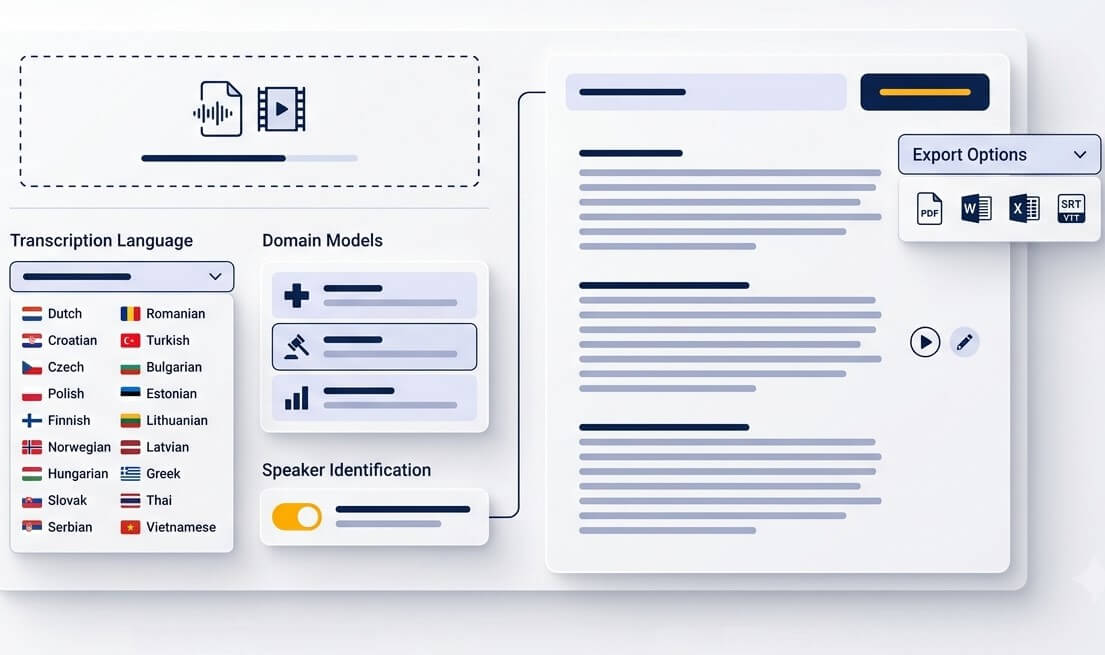
Upload a meeting recording, phone interview, lecture, webinar, or video. Common formats include MP3, WAV, M4A, OGG, OPUS, WEBM, MP4, and FLAC.
Select Norwegian, choose a relevant workflow, and add names or specialist terms that occur in the file. Clear speaker audio gives the strongest starting point.
Use playback and timestamps to check uncertain passages. Export the finished transcript as text, Word, PDF, or subtitle formats such as SRT and VTT.
Norsk audio transcription turns spoken material into notes, searchable evidence, captions, and readable archives
Transcribe Norwegian interview audio with timestamps and speaker turns. Researchers can find themes, verify quotations, and return to the recording when context matters.
Turn committee meetings, annual meetings, and volunteer discussions into a searchable record. The transcript gives note takers a reliable draft for minutes.
Make course recordings easier to revise and more accessible. Students can search key concepts instead of repeatedly scanning a long audio file.
Create a text base for episode notes, articles, pull quotes, and social posts. Dialect-rich recordings still benefit from a quick editorial review.
Transcribe Norwegian video to text, then export timed captions for viewers. Norwegian video subtitling services are useful for training clips, public information, and online courses.
Preserve stories, speeches, and old recordings in a form that relatives can read and search. Keep local expressions while editing only where meaning is unclear.
Useful output starts with the purpose of the recording, not just the file format
Prepare drafts from public meetings, consultations, workshops, and service interviews. Review names, decisions, and legal wording before any official publication.
Convert field recordings and focus groups into material ready for coding. Speaker labels and time references make it easier to trace a finding back to its source.
Capture what Norwegian customers say in discovery calls and usability sessions. A searchable transcript helps teams compare recurring requests and language used in the market.
Good speech recognition combines language knowledge, clean source audio, and an editor who knows what needs checking
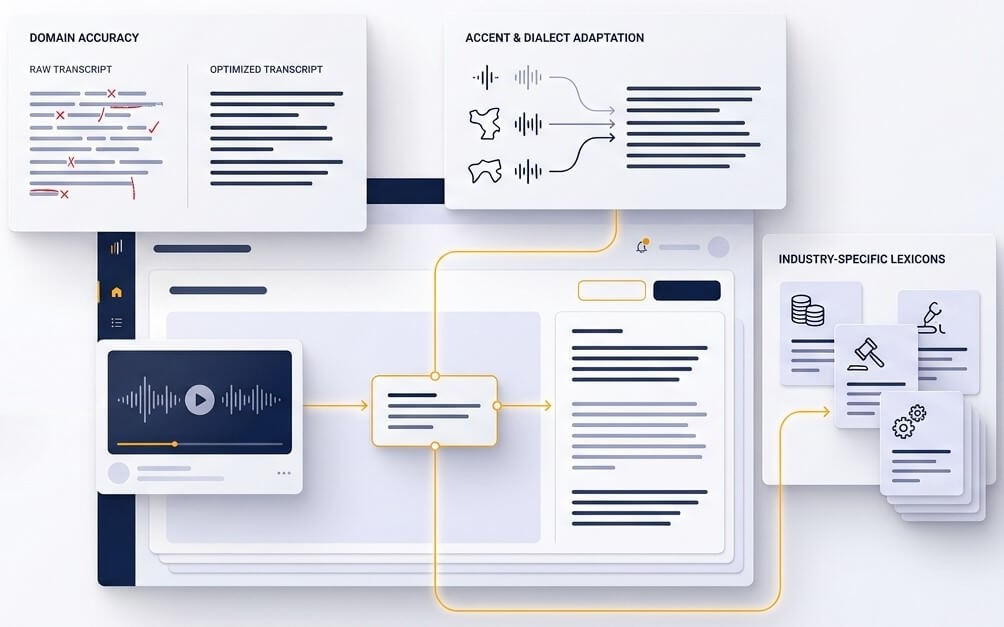
A recording from Trondheim, Bergen, Tromsø, or Kristiansand may use different sounds and vocabulary. Bokmål and Nynorsk also allow legitimate written alternatives. A useful transcript should preserve what was said while giving reviewers clear points to check when a dialectal form has several possible spellings.
Norwegian compounds can be long, and recordings often include place names, organisation names, product terms, and English loanwords. Adding a short vocabulary list before processing gives the review stage a stronger starting point. For high-stakes material, verify every name and figure against the source audio.
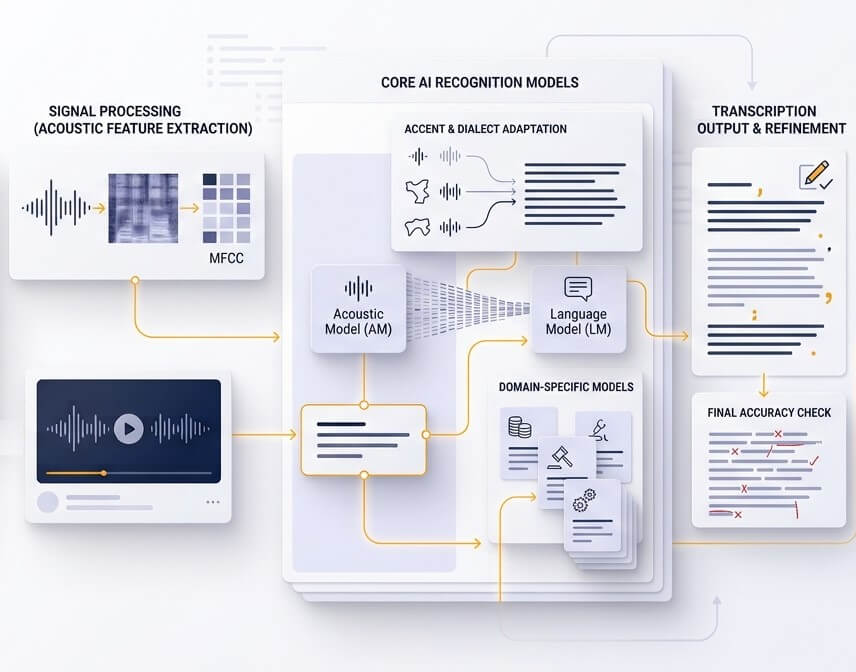
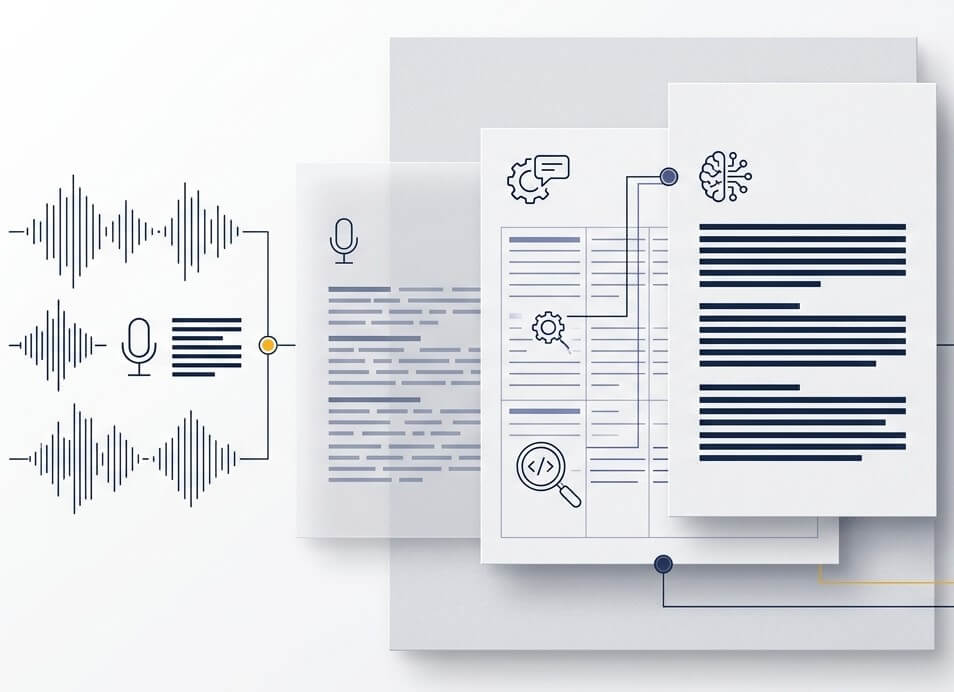
Automatic Norwegian transcription saves the time spent typing a first draft. Playback, timestamps, and speaker separation then support a focused review. This approach works well for everyday notes and gives teams a sensible route for checking sensitive, technical, or publishable material.
It can produce a strong first draft for many Norwegian dialects, including speech that differs from standard Bokmål. Results vary with recording quality, overlapping voices, and the distance between a speaker’s dialect and the selected written standard. Review dialect words, local names, and important quotations before final use.
Yes. Upload a video file to transcribe Norwegian video to text, review the transcript against playback, and export SRT or VTT captions. Caption timing is especially useful for webinars, training videos, social clips, and recorded presentations.
Speaker diarization divides a recording into likely speaker turns. It is helpful when transcribing Norwegian interview audio, focus groups, and meetings. Labels should be checked and renamed in the editor, particularly where people speak at the same time or use similar microphones.
Yes. Start with a Norwegian transcript so the spoken content can be reviewed, then create an English translation for international readers. This is useful for research interviews, company updates, product videos, and material shared with teams outside Norway.
New accounts can use a free trial to test a real file before choosing a plan. A short sample with the same speakers, environment, and subject matter as the main recording gives the most useful view of transcript quality.
SpeechText.AI uses encrypted file transfer and GDPR-focused data controls for uploaded material. Account controls allow files and transcripts to be removed when they are no longer needed. For regulated or highly confidential recordings, check internal policies and review retention requirements before upload.