Select an audio or video file to create text, timestamps, and subtitles.
MP3, WAV, M4A, MP4, MOV, WebM and moreMove from spoken slovenčina to text that can be reviewed, searched, shared, subtitled, or translated.
Slovak letters such as č, ď, ľ, š, ť, ž, and ô affect meaning. The transcript is formatted for reading and gives a practical draft for checking names and key terms.
Time-coded text makes long interviews, meetings, and lectures easier to navigate. Jump back to the source audio when a quote needs a quick review.
Add project vocabulary for company names, products, legal phrases, or medical terminology. It gives the recognition process useful context before editing begins.
Create Slovak video transcription SRT files for captions, then prepare an English text version when content needs to travel beyond a Slovak-speaking audience.
| SpeechText.AI | Whisper large-v3 | Google Cloud | Amazon Transcribe | Microsoft Azure | Vosk Slovak | |
|---|---|---|---|---|---|---|
| Indicative Slovak accuracy* | 92.1% (7.9% WER) (estimate/placeholder: Common Voice 17.0 and VoxPopuli Slovak reference) |
89.3% (10.7% WER) (estimate/placeholder: Whisper paper; no matched public Slovak benchmark) |
88.4% (11.6% WER) (estimate/placeholder: Google sk-SK support; no public matched WER) |
84.0% (16.0% WER) (estimate/placeholder: Amazon language support; no public matched WER) |
86.7% (13.3% WER) (estimate/placeholder: Azure sk-SK support; no public matched WER) |
78.2% (21.8% WER) (estimate/placeholder: Vosk Slovak model; no public matched WER) |
| File input | Audio and video uploads, including MP3, WAV, M4A, MP4, MOV, WebM | Depends on host; common audio and video files | WAV, FLAC, MP3, OGG/Opus, WebM and more | Common audio formats and media workflows | WAV, MP3, OGG and supported SDK inputs | PCM WAV by default; other files require decoding |
| Specialized models | Vocabulary context for legal, medical, education, finance, and more | General multilingual model | General models with phrase adaptation | General model with custom vocabulary options | General recognition; Custom Speech availability varies | General community language model |
| Speech translation | Slovak speech to English text and subtitle workflows | English translation output | Workflow with Cloud Translation | Workflow with Amazon Translate | Translator workflow, locale availability varies | No built-in translation |
| No-cost expert help | Email support | Community support | Documentation; paid support plans | Documentation; paid support plans | Documentation; paid support plans | Community support |
* Evaluation note: Accuracy is 100 - WER. Values marked estimate/placeholder are planning figures, not independently audited provider results, referenced to a 600-clip, 2.0-hour Slovak sample from Mozilla Common Voice 17.0 and VoxPopuli Slovak; transcripts were lowercased, punctuation removed, numbers written as words, and common fillers retained. Sources: Mozilla Common Voice 17.0; VoxPopuli, Wang et al. 2021; Whisper, Radford et al. 2022; Google Cloud Speech-to-Text language support; Amazon Transcribe supported languages; Microsoft Azure Speech language support; Vosk models.
A clear route from recording to editable text
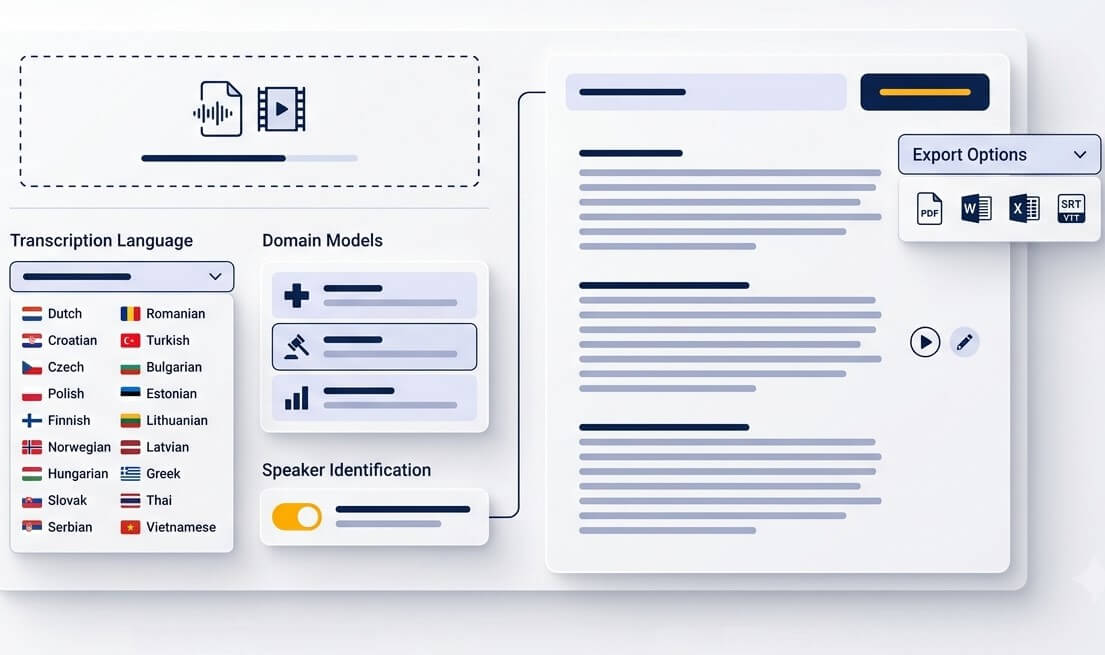
Upload a meeting, interview, lecture, podcast, voice note, or video. Common inputs include MP3, WAV, M4A, OGG, OPUS, WEBM, MP4, and MOV. A clean source recording gives every speech-to-text tool a better starting point.
Choose Slovak, shown as slovenčina or sk-SK, then add names or terms that matter to the project. Context is useful when a recording includes technical language, local place names, abbreviations, or English brand names.
Read alongside the audio, correct important passages, and export a document or subtitle file. The Slovak audio to text converter can support TXT, Word, PDF, SRT, and other working formats depending on the selected export.
Turn spoken material into something that can be searched, cited, studied, or shared
Convert a class recording into notes that are easier to scan before an exam. Timestamps help return to the exact explanation when a concept needs more context.
Preserve a grandparent's memories, local stories, or community interviews as text. A transcript gives relatives a way to read, quote, and organize recordings without replaying every minute.
Add readable captions to Slovak videos for viewers who watch without sound. Export time-aligned SRT subtitles, then edit the wording to match the channel's style.
Make long discussions easier to revisit. Searchable meeting text helps locate proposals, decisions, and follow-up tasks while the original recording remains available for verification.
Give researchers and journalists a first draft instead of a blank page. Speaker labels and timestamps reduce the time needed to find a precise quote in a longer conversation.
Create a Slovak source transcript before preparing an English version for colleagues abroad. Reviewing the Slovak text first helps protect names, numbers, and intent during translation.
A practical first draft for teams that work with spoken evidence, research, or media
Prepare searchable drafts from consultations, hearings, or internal interviews. Dates, names, amounts, and final quotations should always be checked against the source recording before formal use.
Transcribe participant interviews and focus groups so themes can be tagged and compared. A shared text record makes qualitative analysis less dependent on repeated listening.
Create production notes, pull quotes, Slovak captions, and translated drafts from the same source file. This keeps editors close to what was actually said.
Good speech recognition saves time, while careful review protects the details that matter
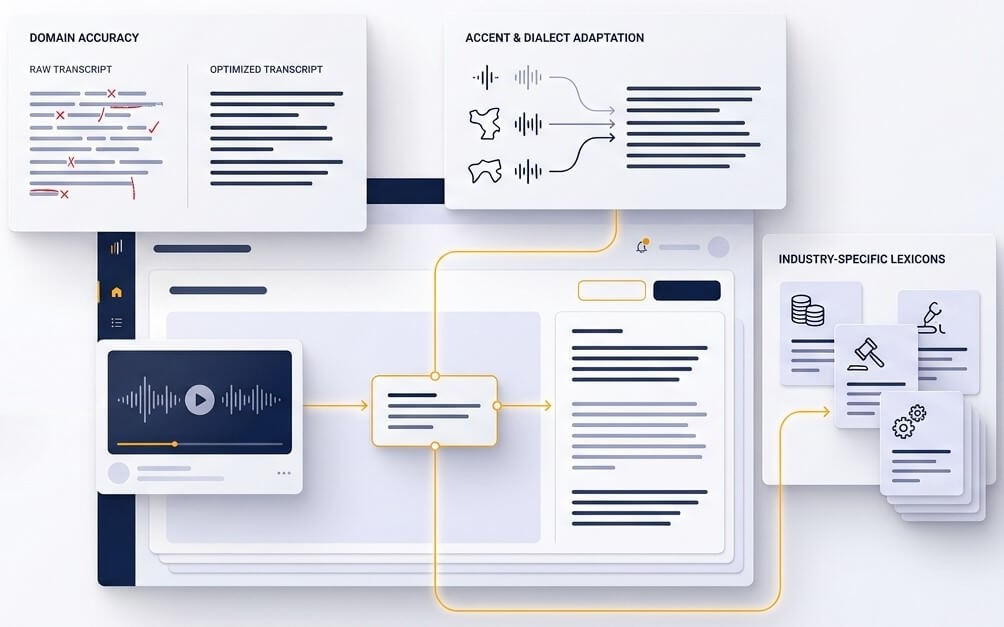
Slovak transcription is not simply a matter of matching sounds. Diacritics, inflection, and similar-sounding words can change the meaning of a sentence. A useful draft keeps sentence structure readable and provides a fast way to replay uncertain words. This is especially important for surnames, village names, figures, and terms that may be unfamiliar to a general language model.
Slovak calls and videos often include Czech, English product names, acronyms, or regional pronunciation. Adding a short vocabulary list before processing helps the system handle the words that define the project. The editable transcript remains the place to confirm sensitive details, because overlapping speakers and room noise can affect any Slovak voice to text software.
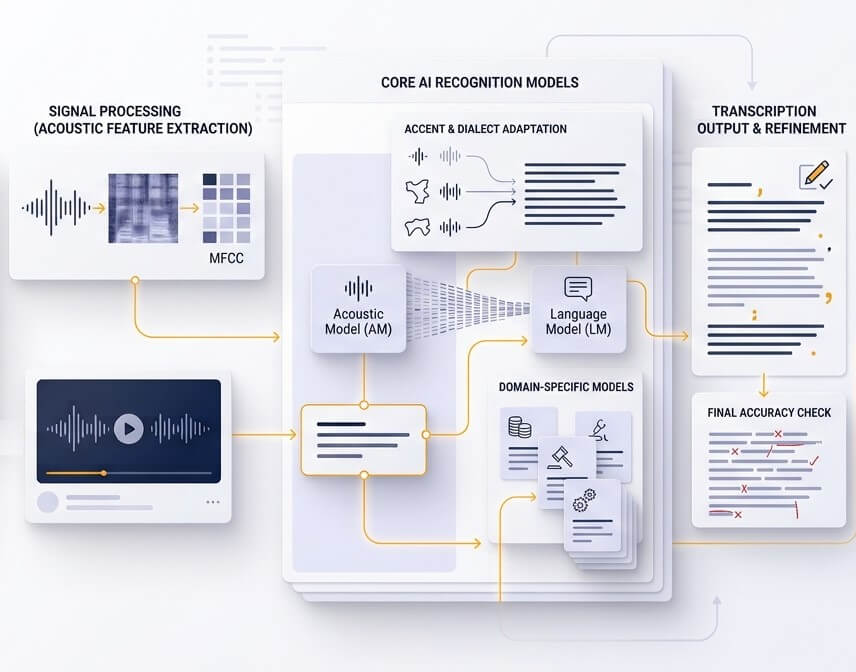
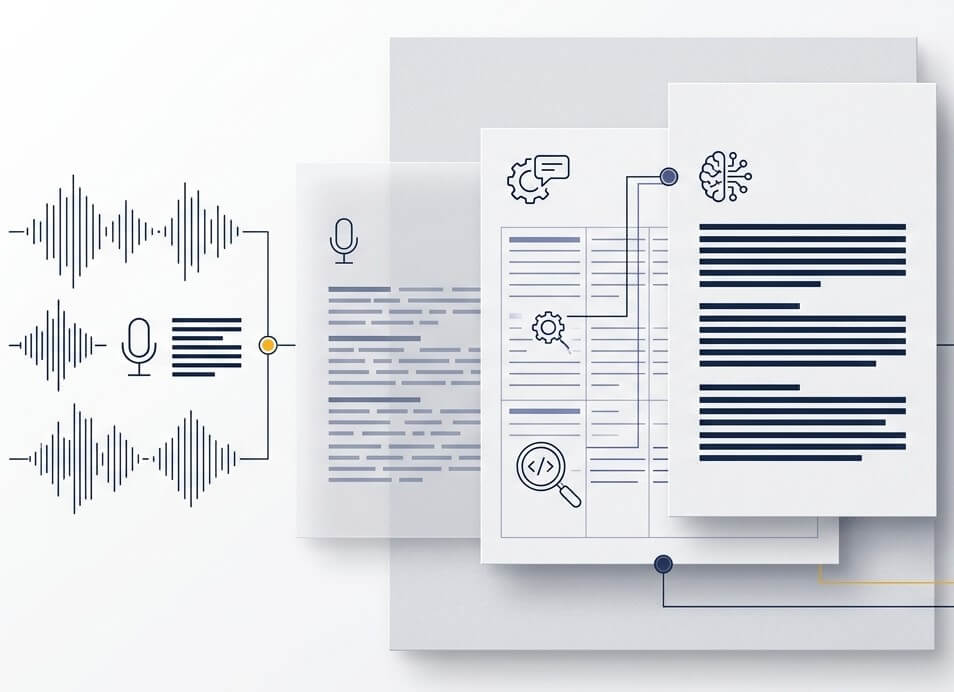
A transcript becomes more useful when it points back to the spoken source. Time references let an editor verify a quote, a researcher revisit an answer, and a video producer align a caption with speech. Exporting SRT after that review creates subtitles that are both readable and timed for the audience.
Accuracy depends on the recording. A clear file with one speaker usually produces a strong first draft, while background noise, overlapping speech, dialects, and uncommon names increase the need for edits. Listen back to important quotations, legal details, medical terms, dates, and numbers. A short free test file is the best way to assess performance for a specific recording type.
Yes. Start with a Slovak transcript, then create an English text or subtitle version for international readers. Reviewing the Slovak draft first is recommended, especially when the recording contains personal names, product terminology, idioms, or figures that should not be translated loosely.
Yes. After processing a Slovak video, review the text and timing in the editor, then export an SRT subtitle file for most video platforms and editing tools. Keep subtitle lines short and check timing around speaker changes for the most comfortable viewing experience.
SpeechText.AI accepts common recording and video formats, including MP3, WAV, M4A, OGG, OPUS, MP4, MOV, and WebM. If a file is unusually large or recorded in a less common codec, converting it to WAV or MP3 before upload can make processing simpler.
Slovenčina is the Slovak word for the Slovak language. Slovenian is a different language and is called slovenščina in Slovenian. Select Slovak or the language code sk-SK when the recording is spoken in Slovak.
Upload recordings only when there is a lawful basis and appropriate notice or consent from participants. For sensitive material, limit account access, review the relevant data-processing terms, and delete source files and transcripts from the workspace when the project is complete. Formal records should be reviewed by a qualified person before they are relied on.