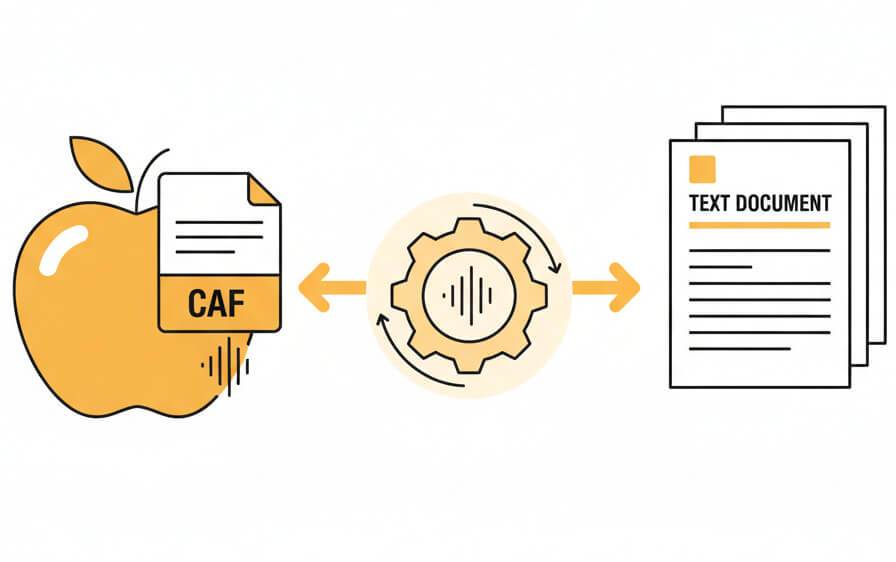
Turn Apple Core Audio files into structured text documents with specialized language models

Direct processing of .caf files without conversion or quality loss from the original recording
Automatic detection and tagging of different speakers in multi-person CAF recordings

Specialized recognition for technical, medical, legal, and financial terminology in CAF files
Download transcripts as plain text, formatted documents, or time-coded subtitle formats
From Apple audio recording to editable text in seconds
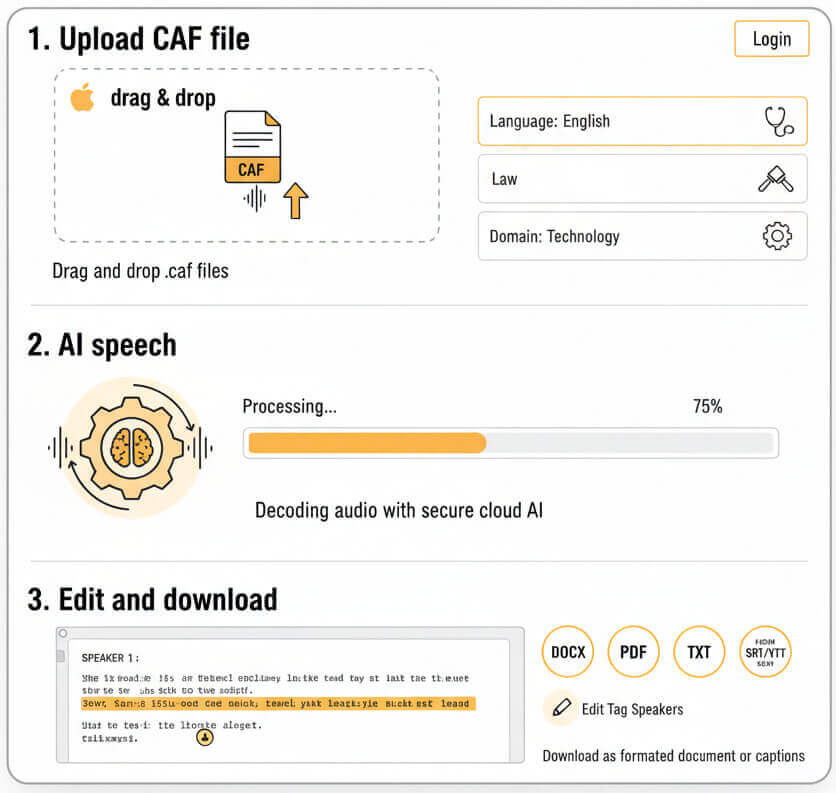
Drag and drop the .caf file from an iPhone, iPad, Mac, or any iOS recording app. Select the spoken language and, if applicable, the subject domain (medicine, law, technology) to improve recognition of specialized terms.
The platform decodes the CAF audio stream and applies neural speech models trained on diverse accents and acoustic conditions. Processing happens on secure cloud infrastructure with no human involved.
Open the built-in transcript editor to correct any mistakes, add punctuation, or tag speakers. Download the finished text as a Word document, PDF, plain .txt file, or SRT/VTT captions for video platforms.
Core Audio Format is Apple's container for professional and lossless audio on macOS and iOS devices
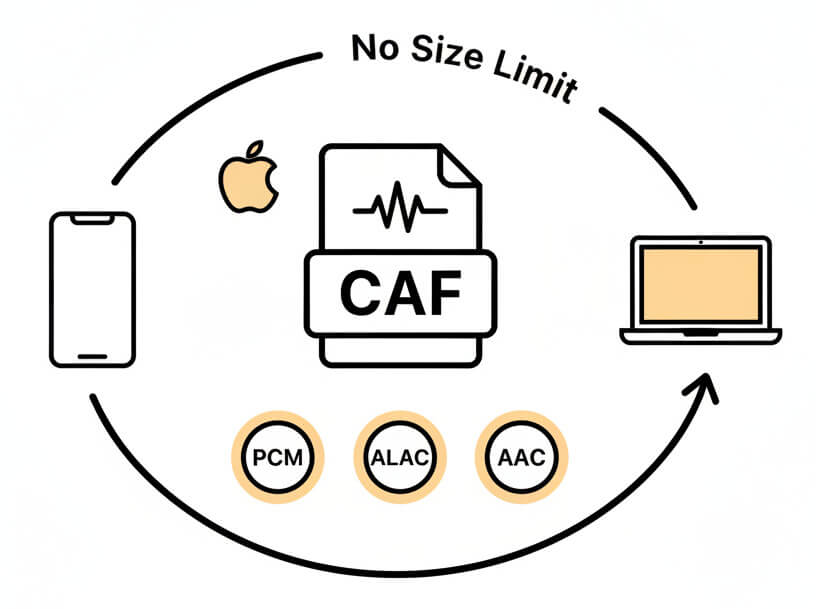
CAF (Core Audio Format) is Apple's native audio container, designed to hold any codec and metadata. Files carry the .caf extension and support both compressed and uncompressed audio, including lossless PCM, Apple Lossless (ALAC), and AAC streams. iOS and macOS recording apps default to CAF because it handles extended recordings and preserves all audio channels without size limits.
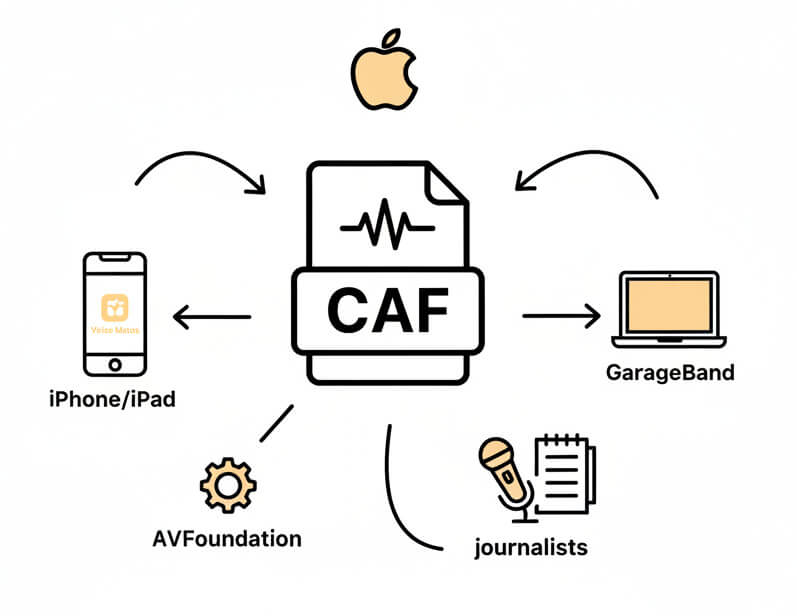
CAF files appear when recording with Voice Memos on iPhone or iPad, GarageBand projects, Logic Pro sessions, and third-party iOS audio apps. Developers working with AVFoundation or Core Audio often export .caf for testing. Researchers and journalists using iOS devices for field interviews also generate CAF recordings that need transcription for analysis or publication.
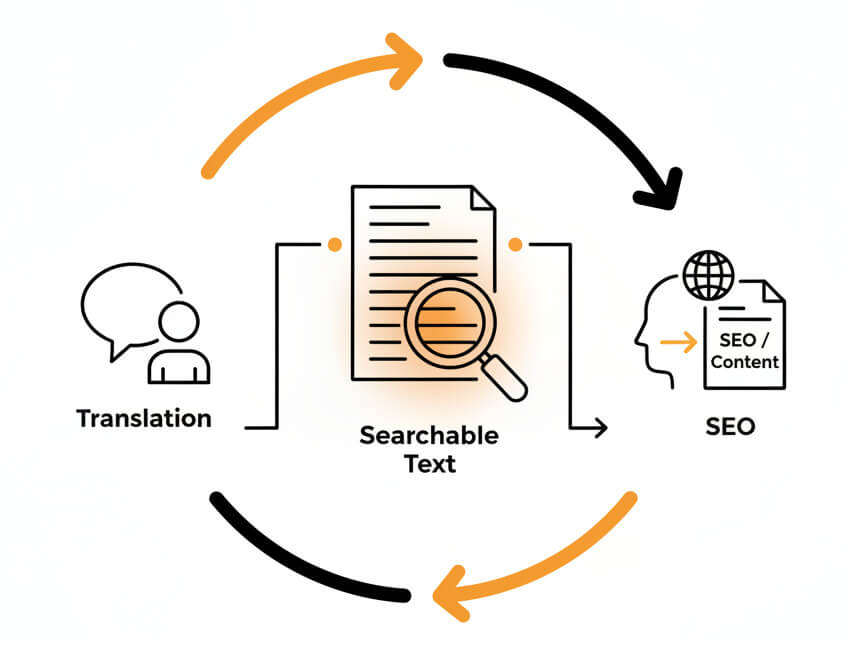
Converting .caf to txt unlocks the content inside audio files. Text transcripts become searchable, so finding specific quotes or topics takes seconds instead of replaying hours of audio. Transcripts also open accessibility for readers, comply with documentation requirements, and allow translation into other languages. For podcasters and content teams, transcripts feed SEO and enable repurposing audio into blog posts or social media snippets.
Professionals and organizations converting Apple audio recordings into structured documentation
Sign into SpeechText.AI, upload the .caf recording, select language and domain, then start transcription. After processing, review the text in the editor and download as TXT, PDF, DOCX, or SRT.
A free trial is available with no credit card required. The trial lets users transcribe CAF files and explore all editing, speaker-labeling, and export features before committing to a paid plan.
The service supports over 50 languages, including English, Spanish, French, German, Mandarin, Japanese, Hebrew, and Arabic. Language selection happens at upload, so the speech model matches the audio content in the CAF file.
Processing time depends on file length and server load, but most CAF files transcribe in less than half their duration. A 30-minute recording typically finishes in 10–15 minutes, delivering a draft ready for review.
Uploaded CAF recordings and their transcripts remain accessible in the account dashboard for the retention period specified in the chosen plan. Data deletion can also be triggered manually at any time, and all storage complies with GDPR standards on EU servers.