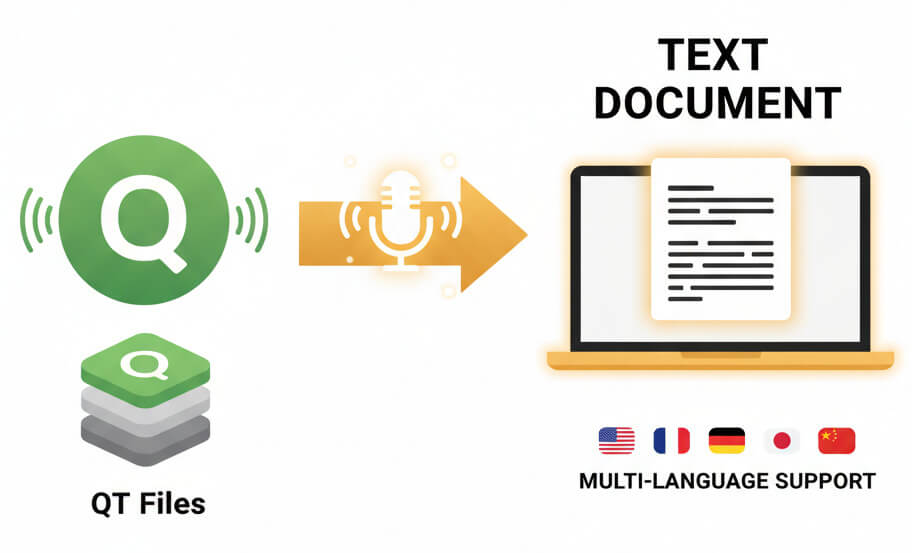
Advanced machine learning extracts spoken words from QT media and delivers editable transcripts

Transcribe QuickTime videos to text in over 50 languages with automatic language detection

QT files processed on EU-based infrastructure with encrypted uploads and confidential handling
Identify and label different speakers in meetings, interviews, and multi-person recordings
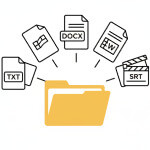
Download finished transcripts as TXT, PDF, Word documents, spreadsheets or video subtitle files
Simple workflow turns QuickTime recordings into documents
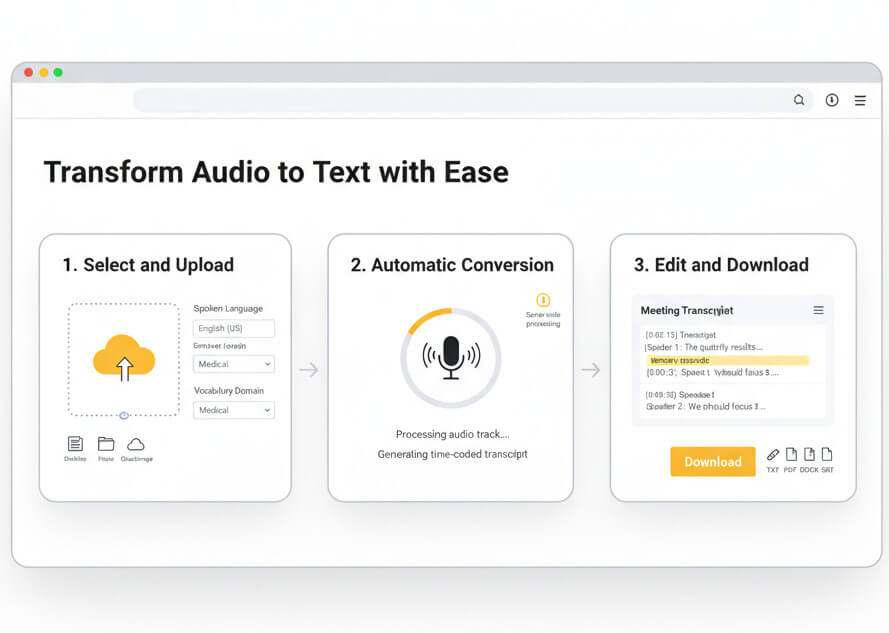
Drag a QuickTime file from a desktop, folder, or cloud storage into the upload zone. Pick the spoken language and any specialized vocabulary domain that matches the recording content.
Speech recognition algorithms process the audio track, detect language nuances, and generate a time-coded transcript. Processing happens server-side with no software installation required.
Open the built-in editor to review timestamps, correct any recognition errors, add punctuation, or highlight key passages. Export the polished transcript in the file format that fits the workflow.
QuickTime serves as Apple's native container for video and audio, widely adopted in screen capture and professional production
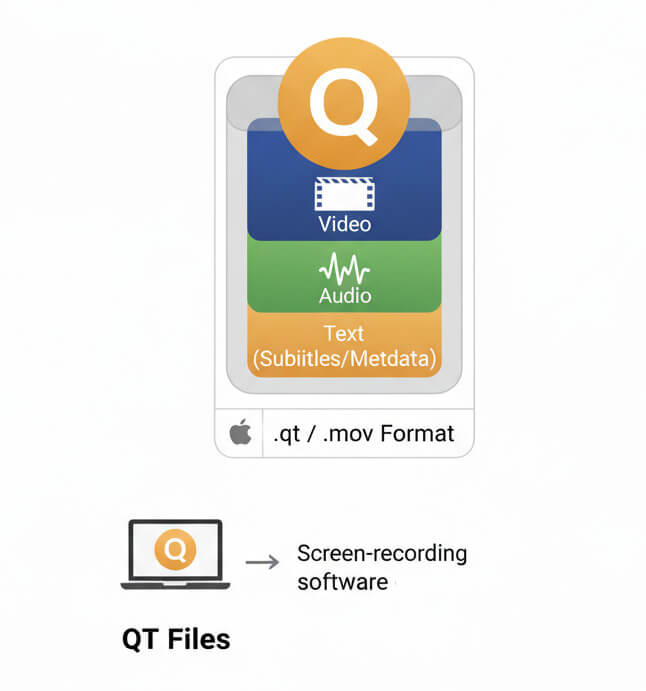
QT files store multimedia data in a flexible container developed by Apple. The format supports multiple tracks of video, audio, text, and metadata, making it ideal for complex edits and professional workflows. Screen-recording software on macOS often defaults to .qt or .mov output.
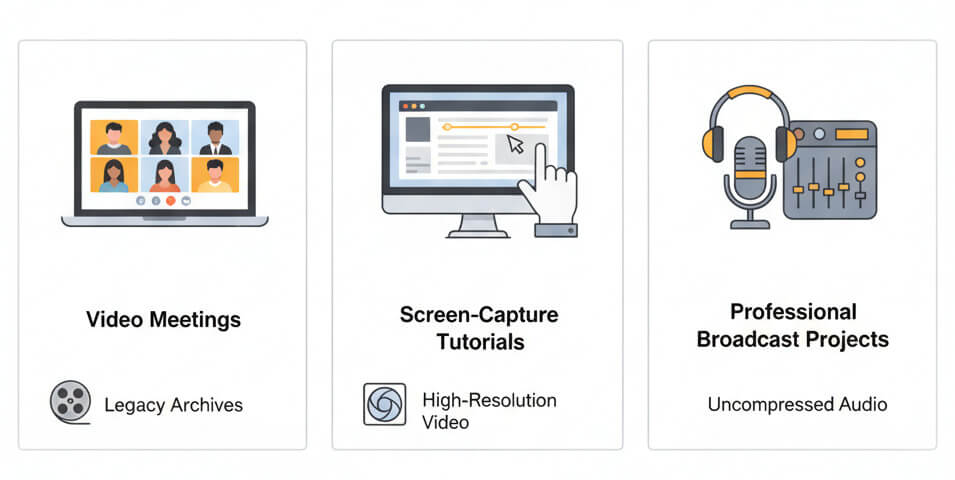
QuickTime files appear in screen-capture tutorials, video meetings recorded on Mac, legacy media archives, and professional broadcast projects. They handle high resolution video and uncompressed audio, preserving quality for post-production. Teams often receive QT files from stakeholders who work in Apple ecosystems.
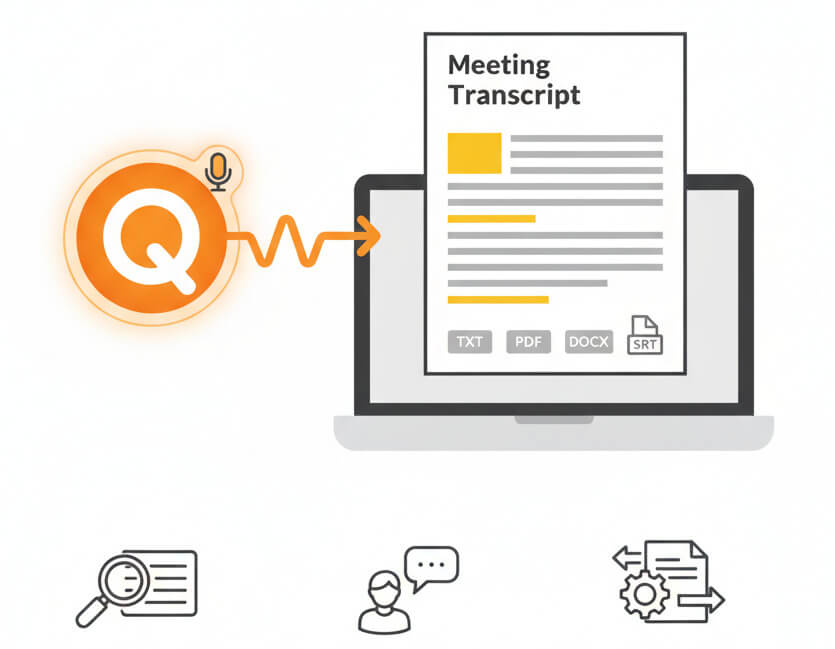
Converting QuickTime audio to text unlocks search capabilities, accessibility features, and content repurposing options. Written transcripts let teams scan meeting highlights, extract quotes for documentation, add closed captions for compliance, and archive knowledge in a format that integrates with document management systems and AI tools.
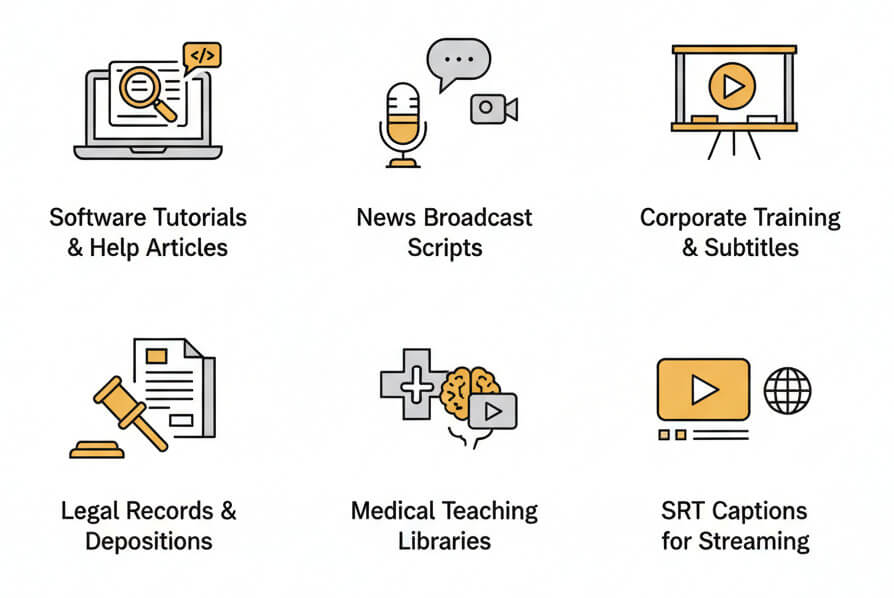
Organizations transcribe QuickTime videos to text for training documentation, legal records, media production, and knowledge management
Upload a QuickTime file through the browser interface. The service extracts the audio track, runs it through speech recognition models, and returns a text file with timestamps. No plug-ins or desktop software needed.
A free trial provides access to the full transcription engine, editor, and export options. Test the accuracy on actual QuickTime files before committing to a paid plan.
Finished transcripts export as plain text (TXT), formatted documents (PDF, DOCX), spreadsheets (XLSX), or subtitle files (SRT, VTT). Choose the format that matches downstream tools and workflows.
Files up to several gigabytes process without issue. Longer recordings may take additional time, but upload and transcription run reliably for multi-hour meetings, full day workshops, and extended interviews.
Accuracy depends on recording quality, speaker clarity, and background noise. Clean audio with a close microphone typically reaches above 90% word-level precision. The editor makes it easy to correct any errors and refine the final output.