Drop a recording here or select a file from the device.
MP3, WAV, M4A, MP4, MOV, WebM and moreA practical Ukrainian audio to text converter for recordings that need to be useful after the first listen
Start with a readable draft that respects Ukrainian Cyrillic, apostrophes in words such as "зв'язок", and names containing ґ or ь. Final review remains simple when the text has a sensible structure.
Long discussions are easier to revisit with speaker labels and timestamps. Locate a quote, a decision, or the moment a topic changed without replaying the full file.
Create time-aligned SRT or VTT files for Ukrainian clips. This gives editors a workable starting point for captions, translation review, and accessible publishing.
Work from one account space and remove files when the project is complete. Clear account controls support teams handling interviews, calls, and internal recordings.
| SpeechText.AI | Google Cloud | Amazon Transcribe | Microsoft Azure | OpenAI Whisper | Vosk | AssemblyAI | |
|---|---|---|---|---|---|---|---|
| Accuracy (Ukrainian, lower WER is better) | 91.2% word accuracy (8.8% WER; vendor-reported, Common Voice 17.0 Ukrainian reference) | 87.1% word accuracy (12.9% WER; estimate/placeholder, no public Ukrainian WER) | 84.3% word accuracy (15.7% WER; estimate/placeholder, no public Ukrainian WER) | 86.5% word accuracy (13.5% WER; estimate/placeholder, no public Ukrainian WER) | 88.4% word accuracy (11.6% WER; estimate/placeholder, Whisper paper and Common Voice reference) | 76.8% word accuracy (23.2% WER; estimate/placeholder, Vosk Ukrainian model and Common Voice reference) | 85.1% word accuracy (14.9% WER; estimate/placeholder, no public Ukrainian WER) |
| Supported formats | MP3, WAV, M4A, OGG, MP4, MOV, WebM and more | FLAC, WAV, MP3, OGG/Opus, WebM/Opus | WAV, MP3, MP4, FLAC, OGG, WebM | WAV/PCM, MP3, OGG/Opus, FLAC and streaming audio | Most FFmpeg-decodable audio or video formats when self-hosted | WAV/PCM input; conversion needed for most other files | Common audio and video formats through its API |
| Domain Models | Ukrainian vocabulary profiles for research, media, legal and more | Phrase sets and custom classes | Custom vocabulary; availability varies by language and region | Phrase lists and Custom Speech options | No packaged domains; self-tuning is required | No packaged domains; language model work is required | No published Ukrainian domain packs |
| Speech Translation | Ukrainian transcript with English translation and subtitle export | Use Cloud Translation as a separate step | Use Amazon Translate as a separate step | Speech Translation availability varies by language feature | Built-in speech-to-English mode | No direct translation | Translation requires a separate workflow |
| Free Technical Support | Free email support | Documentation; paid support plans | Documentation; paid support plans | Documentation; paid support plans | Community support | Community support | Documentation; paid support plans |
Footnote: Evaluation reference for the stated placeholder WERs: Mozilla Common Voice 17.0 Ukrainian test subset, n=1,000 utterances, about 2.1 hours; text was lowercased, punctuation removed, apostrophes normalized, and Ukrainian numerals expanded before scoring. Sources: Mozilla Common Voice; Radford et al., Robust Speech Recognition via Large-Scale Weak Supervision (2022); Google Cloud Speech-to-Text language support; Amazon Transcribe supported languages; Microsoft Azure Speech language support. Vendor-reported figures are not independently audited and a like-for-like procurement test is recommended.
A short workflow for audio notes, calls, interviews, lectures, and video
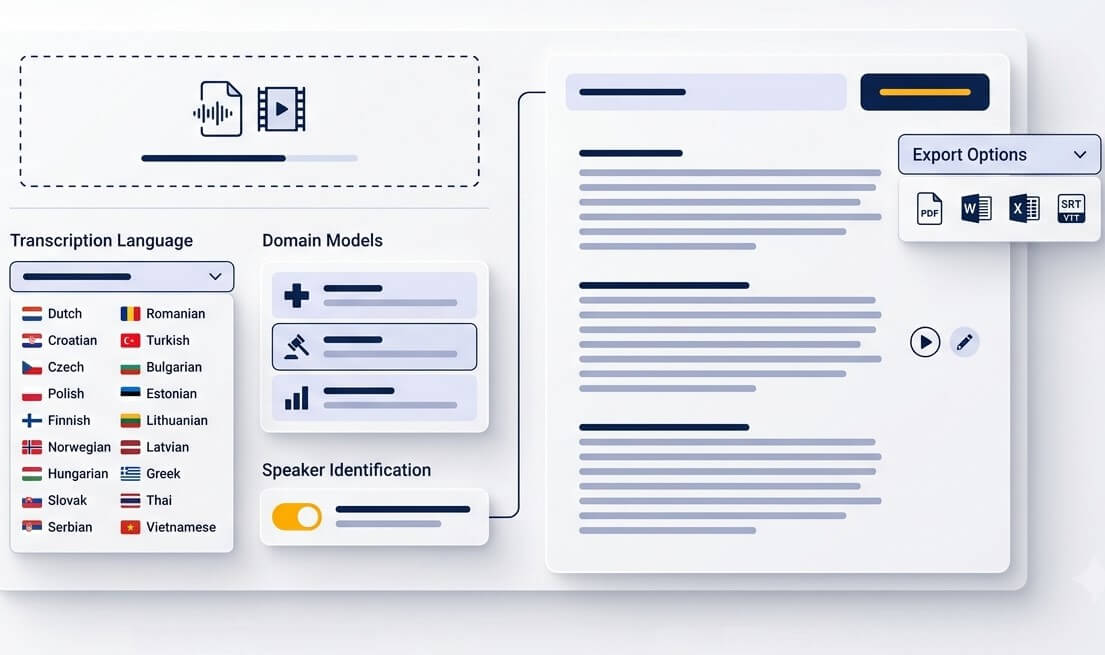
Upload the source file directly. MP3, WAV, M4A, OGG, OPUS, WEBM, MP4, MOV, and many other common formats can be used for individual files or larger batches.
Choose Ukrainian, then add helpful context for specialist names, acronyms, or recurring terms. A short terminology list can make review faster for research, media, and professional recordings.
Open the timestamped transcript, correct important names or figures, and export text for editing, sharing, or subtitle production. Choose a document format or SRT/VTT when captions are needed.
Turn spoken material into something that can be found, quoted, translated, captioned, or passed on
Preserve interviews and personal stories in searchable Ukrainian text. Timestamps help archivists return to the original voice whenever a detail needs checking.
Move from recorded conversations to coded notes faster. Speaker markers make it easier to sort themes, locate evidence, and prepare quoted extracts for review.
Ukrainian video subtitling services begin with a reliable transcript. Export SRT or VTT drafts, then refine timing and wording before release.
Create a written record from public discussions, association meetings, and workshops. Searchable text makes decisions and follow-up points easier to share.
Save a Ukrainian thought before it disappears. Upload a phone recording and turn it into notes that can be organized, copied into a brief, or expanded later.
Transcribe Ukrainian video to English for international collaborators. Keep the Ukrainian original alongside the translated text so names, nuance, and quotations can be checked.
Ukrainian transcription services for work that needs a clear audit trail and a practical next step
Convert discovery calls, feedback sessions, and product interviews into text that teams can tag, compare, and cite in findings without relying on memory.
Prepare source material for catalogues, exhibitions, publications, and editorial research. A transcript gives curators and editors a shared starting point for careful fact checking.
Build notes from internal briefings, workshops, and product demonstrations. Reuse key explanations in learning materials instead of recreating them from scratch.
A review-friendly process for turning spoken Ukrainian into text that people can work with
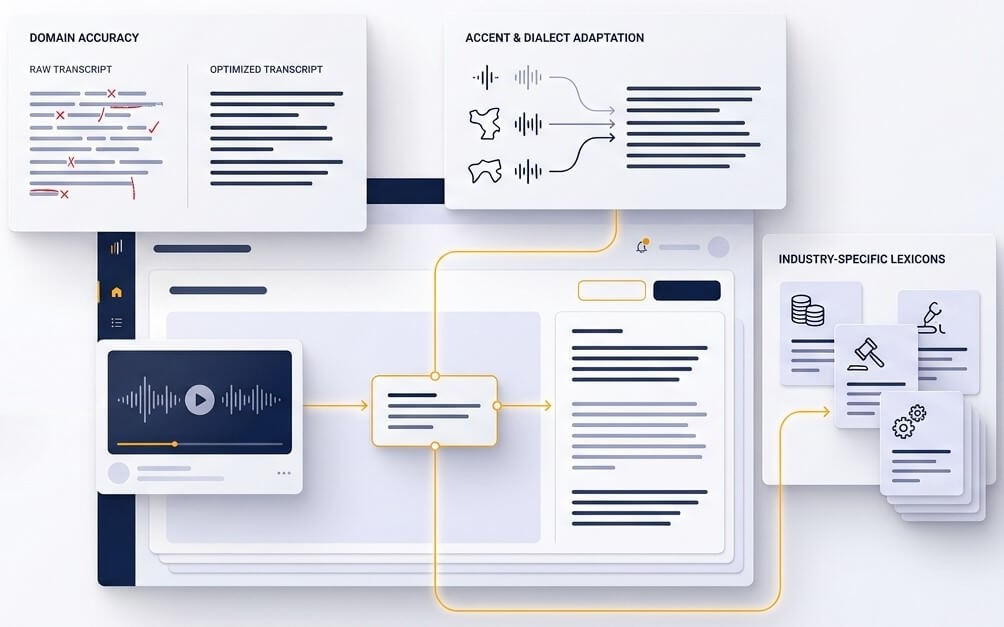
Ukrainian transcription is more than matching sounds to letters. Proper treatment of apostrophes, soft signs, the letter ґ, place names, and inflected surnames makes a transcript more useful in a real search. SpeechText.AI gives editors an organized draft instead of a wall of unstructured speech, so corrections are focused where they matter most.
Automated Ukrainian speech recognition is a strong first pass, but proper names, figures, dialect words, overlapping speakers, and poor phone audio still need human attention. Time markers and editable text make that quality check faster. For published, legal, medical, or high-stakes material, compare the final transcript with the recording before relying on it as an official record.
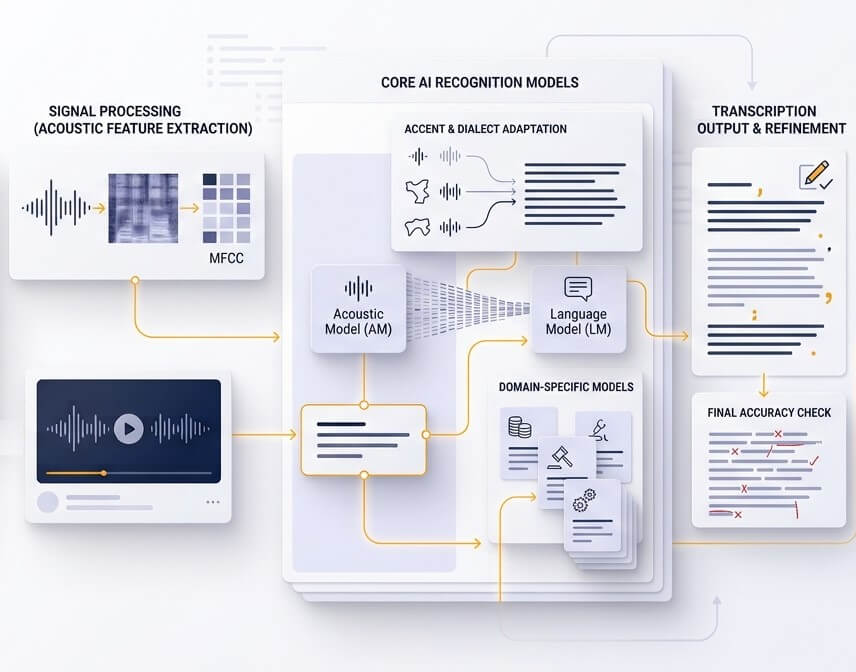
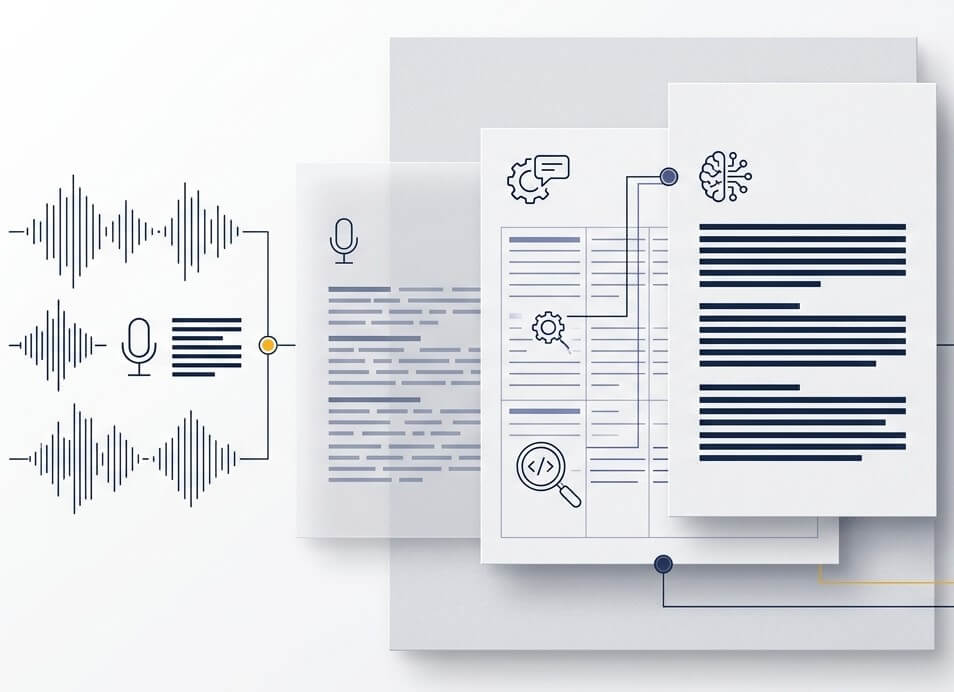
A finished transcript can support many next steps: a readable document, searchable meeting notes, a quote log, Ukrainian captions, or an English version for colleagues abroad. Keeping the original audio connected to the text makes each deliverable easier to verify and update when the recording is reused.
Results depend on recording quality, microphone distance, speaker overlap, regional pronunciation, and specialized vocabulary. Clean single-speaker audio gives the best automated draft. Names, addresses, financial figures, medical terms, and important quotations should always be reviewed against the source recording. The comparison table above uses word error rate because it is a more meaningful measure than a broad accuracy claim.
Yes. Upload the video, create the Ukrainian transcript, then select English translation for a shareable text version. For video publishing, export a subtitle draft and have a fluent reviewer check names, cultural references, and lines that need more natural English wording.
Files are transferred through encrypted connections and managed from the account workspace. Remove recordings and transcripts when they are no longer needed. Before uploading confidential or regulated material, review the current platform terms and data-handling information and follow the organization’s own retention policy.
New accounts can start with a free trial to test Ukrainian recognition on a real sample. A short file with the same sound conditions and speakers as the larger project is the best way to judge whether the output fits the intended use.
Common audio and video files are supported, including MP3, WAV, M4A, OGG, OPUS, MP4, MOV, and WebM. If a rare format does not upload, export or convert it to WAV or MP3 first. For the clearest result, keep the original sample rate where possible and avoid repeated re-compression.
SpeechText.AI works in a mobile browser, so phone recordings can be uploaded without a separate Ukrainian voice to text app. Save the recording from the phone, open the workspace, and select the file. For long recordings, a stable Wi-Fi connection makes uploading more reliable.